Preparing for the school year is no longer limited to buying school supplies. Today, digital tools that help students learn more effectively are coming to the forefront. Apple devices are becoming part of the learning process: they simplify planning, save time, and help students stay focused. In this article, we’ll look at which Apple gadgets are worth buying for studying in 2025.
AirPods with Active Noise-Cancellation
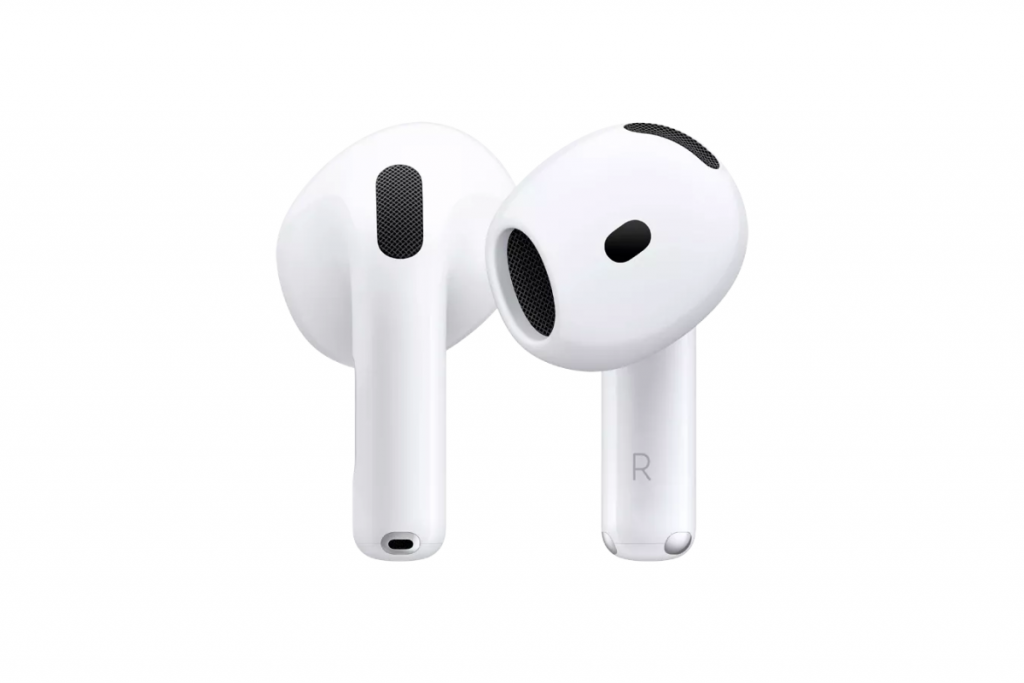
It’s easier to revise your lecture on the way to university or concentrate in a noisy lecture hall if you use headphones with active noise-cancellation. Apple offers several models with this feature: AirPods Pro 2 with silicone ear tips, full-size AirPods Max, and AirPods 4 (when choosing, it is important to pay attention to the ANC marking).
Active noise-cancellation technology helps block out unwanted sounds, creating a comfortable space for studying. If necessary, you can always switch to transparency to hear everything that is happening around you.
Apple Watch with a Large Display
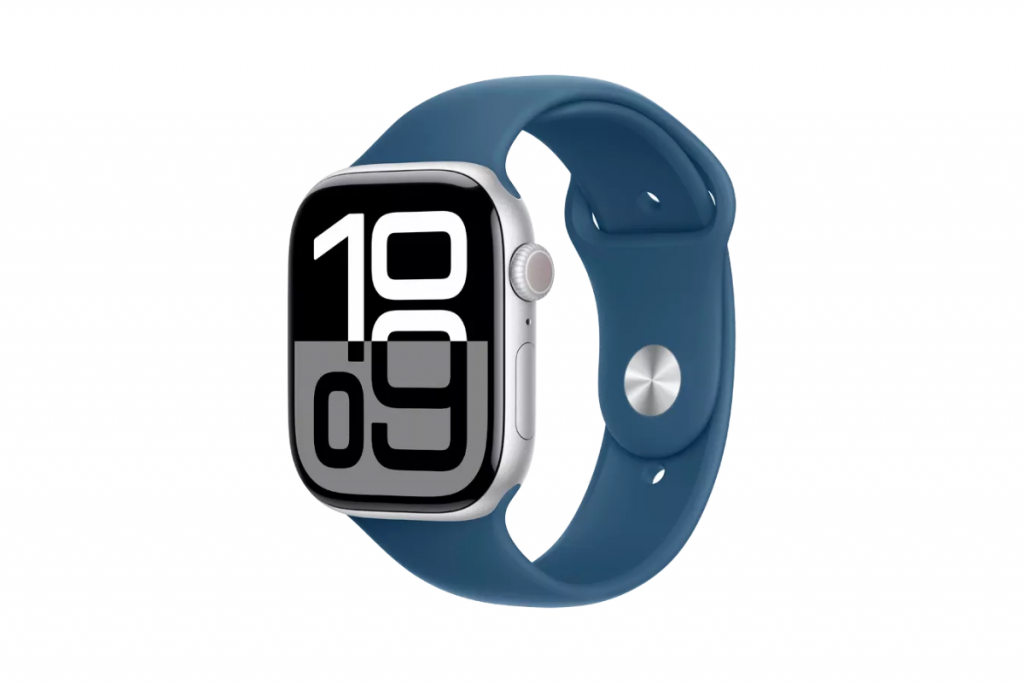
For students and schoolchildren, Apple Watches are a convenient device that helps them not only keep track of time, but also manage their daily tasks. Smartwatches allow you to quickly receive notifications, track your activity throughout the day, and keep your studies under control.
With Apple Watch, you can view your favorite files and photos right from your wrist and use the built-in voice recorder to capture lectures or ideas. A useful app is Mindfulness, which provides recommendations for relaxation and concentration and helps you regulate your breathing. The device also reminds you to stretch and helps you maintain a balance between studying and recovery.
The latest generation, Apple Watch Series 10, has expanded the possibilities for sports, health tracking, and active recreation. This makes the device an even more versatile assistant for studying and everyday life.
iPad with Different Chips
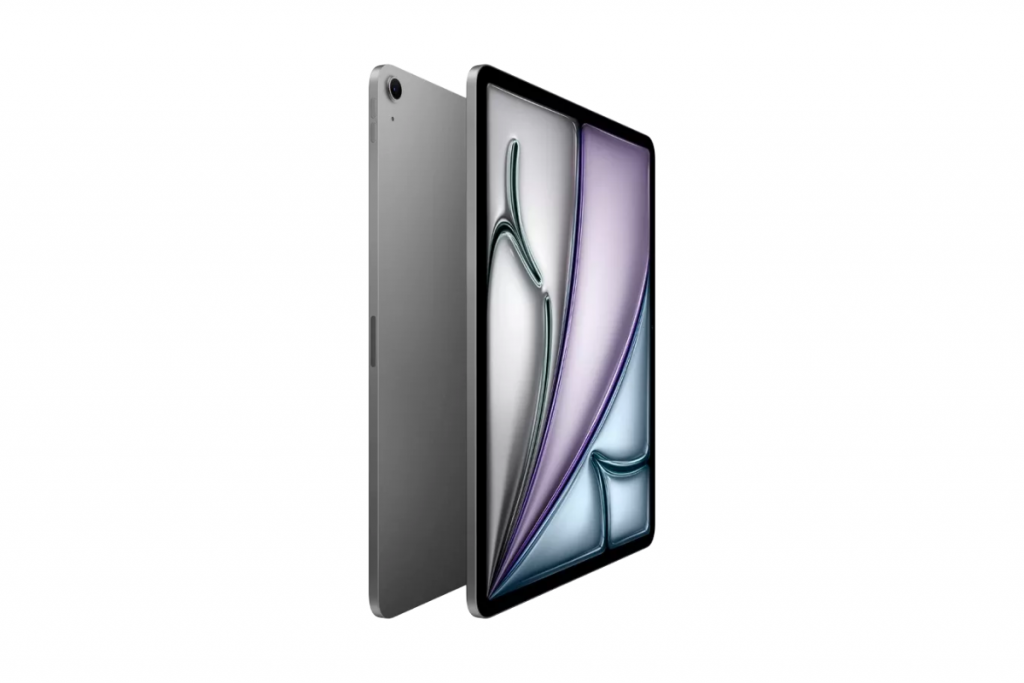
The iPad is one of the most versatile gadgets for students in 2025. It combines the smartphone, laptop, and graphics tablet functions. The device is suitable for the following purposes:
- taking notes and making annotations — you can take notes by hand, edit documents, and draw with the stylus;
- educational projects — you can turn the device into a compact laptop for preparing texts and presentations by connecting a keyboard;
- creativity and design — the gadget is suitable for drawing, video editing, and working with graphics.
It depends on what you need it for. The iPad Air 11 M3 and iPad mini A17 Pro can easily handle everyday stuff, while the iPad Pro 13 M4 gives you the power you need for complex and resource-intensive projects.
MacBook for Everyday Use and Complex Tasks
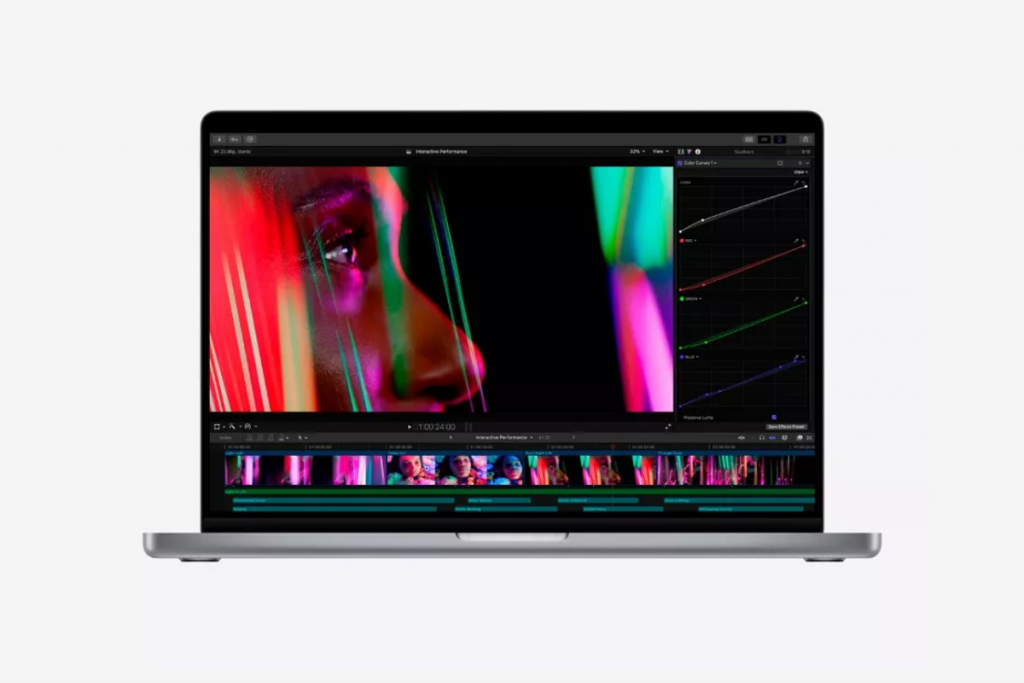
A laptop is the most convenient option when you need to prepare an essay, term paper, or presentation. It’s up to you to decide which Apple device is best for schoolchildren and students — we compare two series in the table.
| MacBook Air | Conferences, summaries, working with text and images | Daily tasks | Up to 18 hours of operation without recharging | Lightweight body, diagonal size 13–15.6 inches |
| MacBook Pro | Design, 3D graphics, coding | Multitasking and heavy programs | Up to 20–24 hours without recharging | Slightly heavier, diagonal 14.2–16.2 inches |
The MacBook integrates easily into the Apple ecosystem. For example, notes taken on an iPhone can be easily opened and edited on a laptop. All your study materials are always at your fingertips thanks to this synchronization.
Recent Years iPhone Series
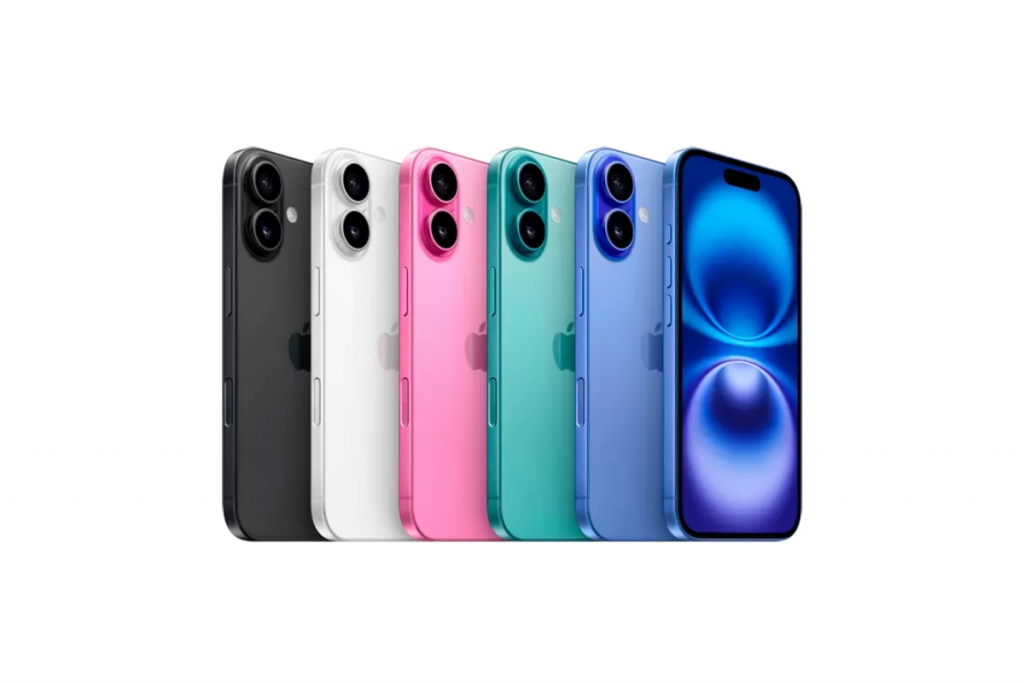
The iPhone connects all Apple devices into a single system and becomes the center of the learning process. It not only helps you stay connected, but also speeds up your work with information. For example, text recognition in photos saves time: notes can be immediately converted into an editable format. And AirDrop simplifies file sharing, whether it’s photos of notes, or group projects.
Basic models starting with the iPhone 13 or iPhone 14 are suitable for studying. These devices provide reliable performance, a high-quality camera, and support for the latest versions of iOS. The iPhone 15 has an improved camera system and a new charging port. In the latest 16th series, Apple has focused on supporting artificial intelligence features, increasing battery life, and adding advanced photo and video capabilities.
Conclusion: Which Apple Device Should You Choose for Studying?
Modern Apple devices cover all key learning needs, from time management to creating complex projects. AirPods help you focus, Apple Watch reminds you of important tasks, iPad combines the functions of a notebook and a creative tool, and MacBook provides full-fledged work with documents and projects.
When deciding what to choose for a student, Apple offers several series and generations of each gadget to choose from. Focus on the main tasks and budget.
You can order original Apple devices from the iSpace online store in Georgia. If you want to test a gadget before buying, visit our offline stores: current addresses are listed on the website. All equipment is freely accessible, so you can evaluate its functionality, capabilities, and ergonomics. And if you have any questions, you can always contact our experts for advice.
Check out more
How to Turn an iPad into a Laptop: Changing Settings and Finding the Best Accessories
How to Use a MacBook: Path from Setup to Customization
Top 5 Reasons to Switch From iPhone 15 to iPhone 16
Always be aware!
Subscribe to the newsletter and be the first to know about new promotions and special offers