If you use an iPhone, there’s no real reason to worry about the protection of your personal information. Apple’s developers have taken digital security to a new level by creating a carefully designed ecosystem. From a technological standpoint, the device is well protected against malware and malicious activity.
Security As An Apple Advantage
iPhone tightly controls how software operates. Built-in security tools prevent suspicious apps from being installed on your device. The primary source of applications is the App Store, which features only products that have passed thorough review and verification.
Some data is stored in the closed iCloud cloud environment. There, information remains encrypted, ensuring a high level of confidentiality. Even if someone attempts to access the servers, they cannot reach the files without the proper encryption keys.
Payment data protection is ensured through tokenization, Secure Element, and the NFC controller. Face ID allows you to verify your identity and authorize actions securely. This feature prevents Apple Pay transactions without your direct participation. Apple ID security mechanisms protect access to photos, documents, passwords, and other sensitive data.
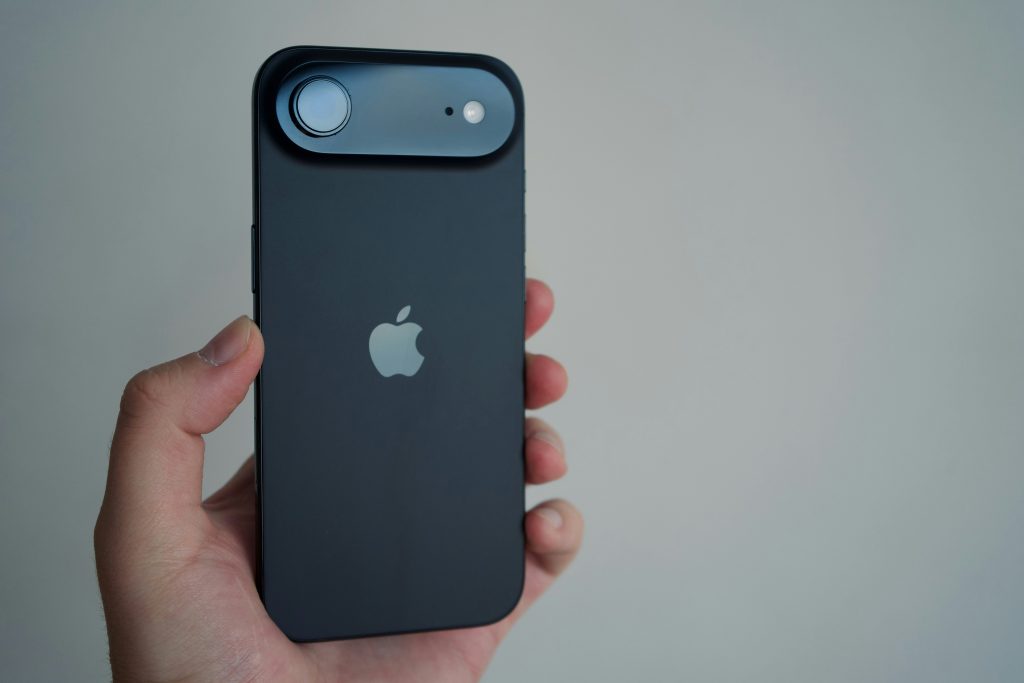
Data Protection And Privacy On Apple Smartphones
iPhone security is built on a multi-layered protection system. It includes:
- end-to-end data encryption;
- standard and advanced data protection in iCloud;
- access via Face ID;
- two-factor authentication;
- personal keys and passcodes;
- private access features.
All of these options can be used together to provide enhanced protection of your data on the smartphone.
What Is Stored In The Cloud And What Stays On The Device?
iCloud stores information used for backups, security features, and data synchronization, such as contacts, notes, photos, and passwords. The most sensitive data remains stored directly on the device.
iOS also supports a hybrid storage approach. You send information to the cloud only to confirm specific operations, after which it is completely removed. For example, this happens when you ask artificial intelligence to edit text according to your request.
App Permissions And Tracking Control
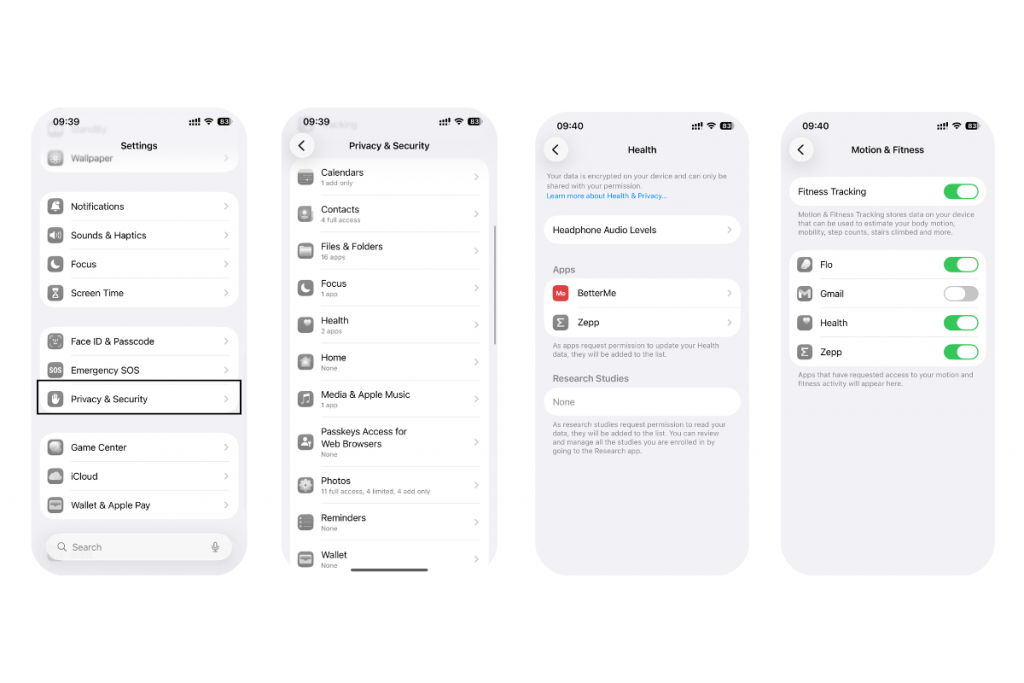
The smartphone helps you manage apps by controlling their access to data and features. The permission and privacy settings system is activated as soon as a new app is installed. During the first launch, you approve or deny access to the camera, microphone, or other components.
All permissions can be managed at any time through Settings in the Privacy & Security menu.
Protection Of Calls And Messages
Concerned about the privacy of your communication? The system uses multiple protection mechanisms for FaceTime calls and iMessage conversations, including end-to-end encryption, notification controls, contact blocking, and automatic spam filtering.
App Store App Protection
Apps in the App Store go through a strict review process. If moderators detect malicious code, the app is not approved for release. The same applies to apps that are already available, if vulnerabilities or harmful behavior are discovered, they are removed from the store.
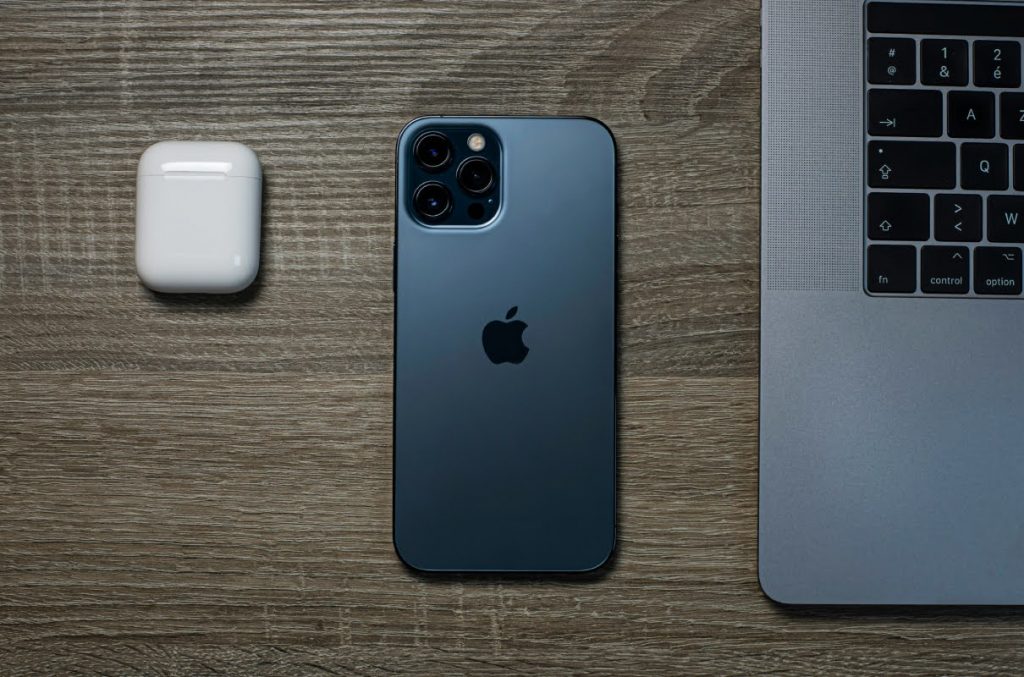
By the way, developers design security mechanisms into every operating system. For example, macOS uses Gatekeeper to assess the reliability of software before it is allowed to run.
Operating System Security: iOS Or Android?
Some built-in iOS features are specifically designed to enhance security. For instance, you can restrict device functionality if your smartphone is lost or stolen, revoke permissions from suspicious apps, or completely lock the device. A closed ecosystem, regular updates, strict app store control, and other factors raise security to a qualitatively new level.
The security of Android devices depends largely on the manufacturer, the ecosystem, and user behavior. Comparing operating systems requires taking many external factors into account. However, Apple’s security solutions are widely regarded as among the best in this segment.
Security Settings: A Checklist
Although iPhone security is implemented at a high level, users are still encouraged to follow basic digital hygiene practices. We’ve prepared a checklist:
- set strong passwords (at least six characters, using letters, numbers, and special symbols);
- choose a short screen auto-lock time (around one minute);
- regularly update the operating system to protect data from new vulnerabilities;
- monitor app permissions;
- use two-factor authentication;
- avoid clicking on suspicious or unknown links.
Buying an iPhone and accessories in Georgia is easy at iSpace. You can place an online order with nationwide delivery or visit our physical stores in Tbilisi and Batumi. In either case, our specialists will help you choose and set up your devices.
FAQ
Is It True That iPhone Is The Most Secure Smartphone?
Apple devices are often considered among the most secure smartphones. This is due to the closed ecosystem, which protects both software and hardware.
How Secure Is Using iCloud?
Data stored in the cloud is protected with end-to-end encryption. By default, the standard level is enabled, but you can activate advanced protection if needed.
Can Developers See My Photos And Videos?
Apple does not have access to your media thanks to end-to-end encryption and strict privacy policies. The same applies to files uploaded to the cloud.
What Should I Do If My Phone Is Stolen?
If your device is stolen or lost, activate Lost Mode from any other device using Find My. This prevents unauthorized use of the phone by locking the screen and disabling payments. You can also use this app to locate the missing device.
Check out more
Apple iOS 26: What’s New on Your Phone?
How to extend the battery life of your MacBook, iPhone, and iPad?
How to Record Phone Calls on iPhone?
Always be aware!
Subscribe to the newsletter and be the first to know about new promotions and special offers