Apple expanded the Pro lineup in 2025 by introducing a model powered by the M5 chip, and it also added an M4-based model to the Air series. Both versions are great for work and creative tasks, but the difference between them is noticeable. We’ve put together this guide for anyone planning to buy a laptop and finding the choice difficult.
Current MacBook Models In 2026
Before choosing a MacBook, take a look at the models currently available in Georgia.
| Series | Chip | Display | CPU, Cores | GPU, Cores | RAM, GB | Storage | Battery Life, Hours |
| Air | M4 | Liquid Retina, 13″ And 15″ | 10 | 8–10 | 16–32 | From 256 GB To 2 TB | Up To 18 |
| Pro | M4 Pro | Liquid Retina XDR, 14″ And 16″ | 12–14 | 16–20 | 24–48 | From 512 GB To 4 TB | Up To 22–24 |
| Pro | M4 Max | Liquid Retina XDR, 14″ And 16″ | 14–16 | Up To 40 | 36–128 | From 1 TB To 8 TB | Up To 18–21 |
| Pro | M5 | Liquid Retina XDR, 14″ | 10 | 10 | 16–32 | From 512 GB To 4 TB | Up To 24 |
This range of versions makes it easy to choose a laptop for everyday needs, from watching movies to working on engineering projects.
Which MacBook Should You Choose Based On Your Tasks?
MacBook Air is usually a good fit for documents and databases, straightforward academic projects and presentations, light media editing, and everyday content consumption. MacBook Pro is better suited for programmers, engineers, and designers who regularly work with high-quality video, 3D graphics, or code-heavy workloads.
The current Air lineup is powered by the M4 chip, while the Pro lineup uses the M5. With Apple’s M-series, the company moved away from separate CPU and GPU components in favor of a single system-on-a-chip with unified memory. This reduces latency and improves power efficiency when you work with graphics, video, and machine learning.
Display Features
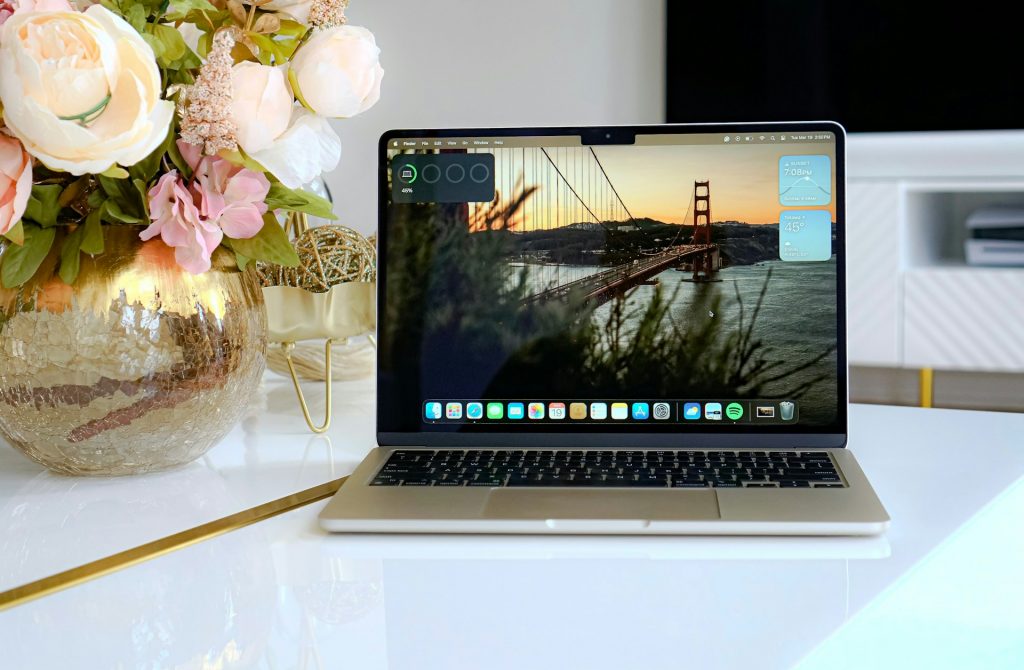
Air models with 13″ and 15″ screens are well suited for everyday tasks, studying, comfortable entertainment viewing, gaming, and creative work. The display reproduces color tones well, supports True Tone, and reaches up to 500 nits of brightness.
The Pro lineup comes with a different display setup: 14″ and 16″. The backlight is brighter thanks to mini-LED, ProMotion adapts the refresh rate, and HDR brightness can reach up to 1600 nits. For SDR content in bright sunlight, it can be up to 1000 nits. This is especially important for graphics work.
Battery Life And Thermal Performance
The difference in battery life between the two lineups is typically 3 to 6 hours. In any case, the battery should last through a full workday, even with demanding apps and frequent video calls.
Thanks to the architecture of Apple’s M-series processors, the laptops don’t tend to overheat. Under load, device temperature is also influenced by the cooling system (passive in Air, active in Pro) and the materials used in the chassis. For example, aluminum dissipates heat well and helps reduce the risk of overheating.
Which MacBook Should You Choose Based On Your Budget?
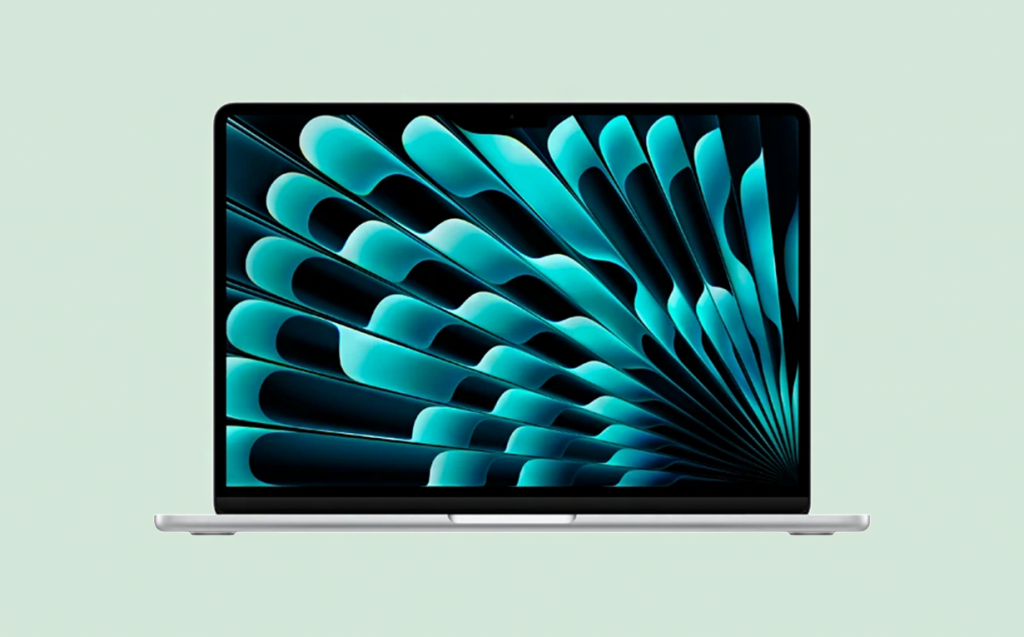
The laptop’s price isn’t the main selection criterion. What matters most is that the device matches your tasks. For relatively simple use, the base Air M4 with 16 GB of RAM and a 256 GB SSD is a solid choice. For editing, 3D work, and coding, a Pro model with 32 GB of RAM and several terabytes of storage is a better fit.
To navigate the new models, consult iSpace experts, they can answer questions in person or online, by phone, or via chat on the website. In Georgia, there are stores in Tbilisi and Batumi, and all current gadgets are available for hands-on testing. To make the purchase even more выгоднее, use the Trade In program or an installment plan.
FAQ
Which MacBook Is Better To Buy In 2026?
The choice depends on the user’s tasks and budget. 4th- and 5th-generation M-series processors deliver strong performance. Apple also plans to keep releasing updates for this hardware for many years.
What Memory Is Considered The Minimum For Studying And Work?
16 GB of RAM and a 256 GB SSD is the baseline configuration for studying, work, and everyday use. It’s enough for storing typical files and running basic applications.
Is A MacBook Air Enough For Design And Video?
Air models are well-suited for simple design projects, basic video editing, and photo processing. For more demanding workloads, it’s better to choose the Pro lineup.
How Many Years Does A MacBook Last?
A device stays current for as long as Apple provides software updates, typically 5–7 years. Even after that, the laptop can remain usable for a long time, since the hardware often lasts for decades.
Can You Buy The Base Model, Or Do You Need To Upgrade?
It’s important to pick the configuration you need at the purchase stage, you won’t be able to upgrade RAM later. If internal storage becomes limiting, you can use iCloud.
Which MacBook Is Better For Travel And Remote Work?
Apple positions Air models as an ideal option for travel and remote work. A compact chassis (around 1 cm thick) and up to 1.5 kg, even at the largest screen size suit users who take a laptop on business trips or vacations. If your tasks are heavier and more demanding, consider a Pro model with a compact 14-inch display.
Check out more
MacBook Features You May Not Know About: 7 Useful Tricks
MacBook Pro 14 2025 Review: What’s Surprising About Apple’s New Product
MacBook Air M4 Review: Is It Worth Buying?
Always be aware!
Subscribe to the newsletter and be the first to know about new promotions and special offers