Laptops have long become our everyday companions, and most people choose them accordingly: once and for the long run. If you are looking for an ideal laptop for work or study, it is worth buying a MacBook Air — this Apple laptop offers many advantages.
In this article, we will break down why MacBook Air is a strong choice right now, review its specifications, who it suits, and how models with Apple Silicon processors differ.
Design And Battery Life Of MacBook Air
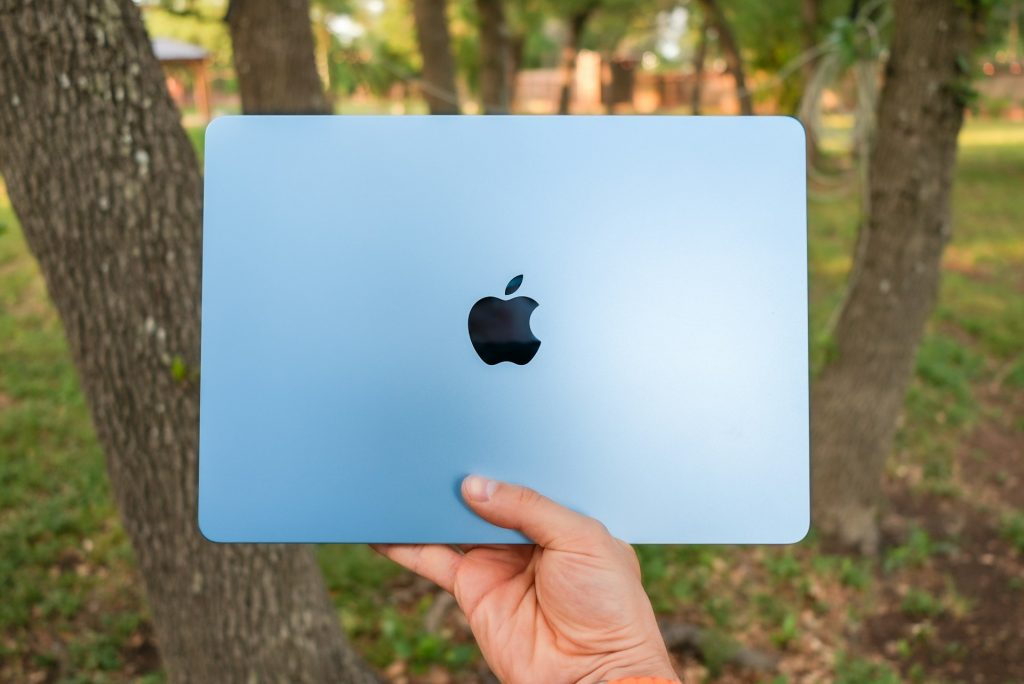
MacBook Air is a lightweight laptop with a thin body that fits into almost any bag. This is especially useful for people who travel often or simply carry a laptop with them every day.
With a strong battery, daily planning no longer revolves around finding an outlet. You can leave the charger at home and work wherever it is convenient throughout the day, with a comfortable sense of freedom. Thanks to energy-efficient processors, MacBook Air can run for up to 15–18 hours on a single charge, which is a solid fit for remote work and studying.
The Apple Ecosystem And MacBook Air Convenience
With this Apple laptop, there is no need to figure out “how it works.” It integrates naturally into everyday digital life, which is especially noticeable if you already have an iPhone. Everything functions as one connected experience: photos, notes, and files appear on the laptop almost instantly, AirPods switch between devices automatically, and incoming calls can be answered right from the MacBook.
Instant Hotspot lets you connect to the internet via iPhone in a single click, without passwords or extra setup. This is the kind of experience where the ecosystem fades into the background, because daily use feels seamless. After trying it, many people find it hard to go back to a more fragmented setup.
macOS Security And Reliability
MacBook Air typically requires minimal extra maintenance and fewer additional expenses. There is no need to install drivers manually, and many protection mechanisms are built in and ready out of the box. This is convenient and can also reduce costs over time.
Built-in security features can block suspicious apps, protect personal data, and update automatically. For additional system care, trusted solutions such as MacPaw bundles can be used.
macOS Is A Simple System For Work And Study
Even if you are new to Apple devices, macOS is designed to feel safe and predictable, with an intuitive interface and clear navigation. The layout is clean, and core actions are easy to find.
The absence of familiar apps like Word, Excel, and PowerPoint is not a barrier: macOS includes alternatives such as Pages, Numbers, and Keynote. If Microsoft apps are required for work or study, they can be installed easily, similar to the process on Windows PCs.
MacBook Air Screen And Keyboard
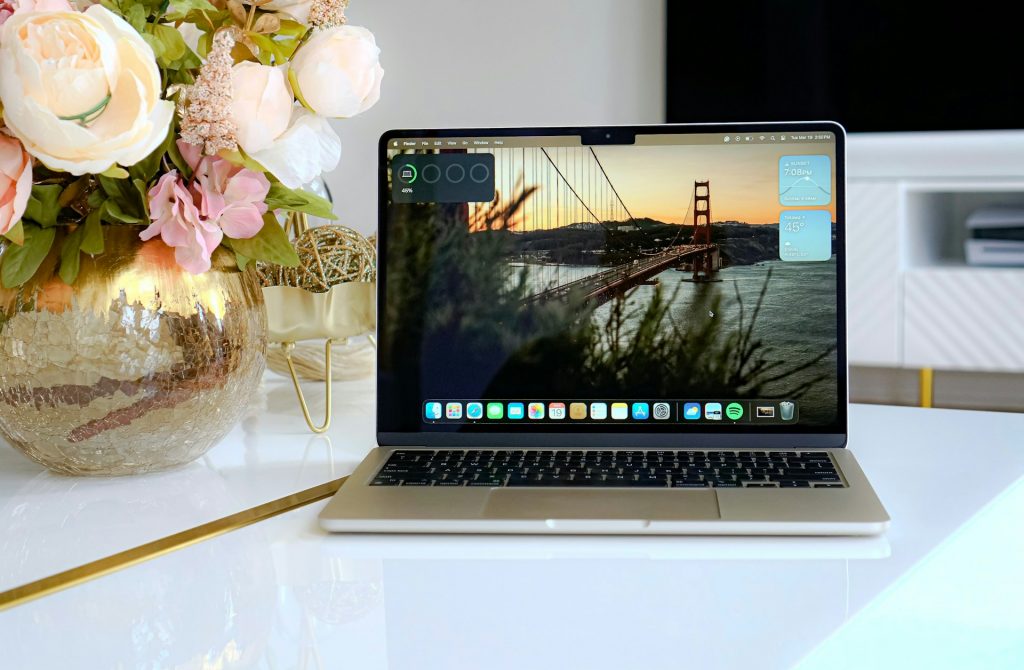
The keyboard is comfortable, the trackpad is responsive, and the Liquid Retina display (XDR) delivers strong brightness, sharp detail, and natural colors without causing as much eye strain.
This is a meaningful advantage for long text work or online learning. These strengths become clear after just a couple of hours of continuous use.
Why MacBook Air Is A Good Long-Term Value
Even after several years of use, MacBook Air — like other Apple devices — often remains in demand. To see this, it is enough to check second-hand marketplaces and compare MacBook Air prices with other laptops.
It tends to hold value well, which makes it easier to resell or trade in when the time comes. This is a practical option for people who plan purchases with a longer horizon.
Who MacBook Air Is Best For
Whether you study, build a career, or buy your first laptop, MacBook Air adapts to everyday needs. It can handle study projects, creative work, and office tasks with the same level of convenience.
This flexibility, combined with daily comfort and long-term value, is what helps it stand out among alternatives. That is why many users return to MacBook Air again when it is time to upgrade.

Which MacBook Air To Choose: M1, M2, M3, Or M4
When choosing a MacBook Air, it is important to consider the Apple Silicon chip generation — it drives performance and battery life. Each option targets a slightly different balance of price, capabilities, and longevity:
- MacBook Air M1 — a budget-friendly option for studying and office tasks;
- MacBook Air M2 — a newer design and higher performance for everyday work;
- MacBook Air M3 — a balanced choice for power and battery life;
- MacBook Air M4 — the latest generation with extra performance headroom and multi-year system support.
If you need a lightweight Apple laptop for work or study, MacBook Air remains one of the most balanced options in terms of specifications, battery life, and service life. To choose the right model and check the current MacBook Air price, you can consult your Mac expert, iSpace.
Check out more
MacBook Air M4 Review: Is It Worth Buying?
MacBook Features You May Not Know About: 7 Useful Tricks
MacBook Pro 14 2025 Review: What’s Surprising About Apple’s New Product
Always be aware!
Subscribe to the newsletter and be the first to know about new promotions and special offers