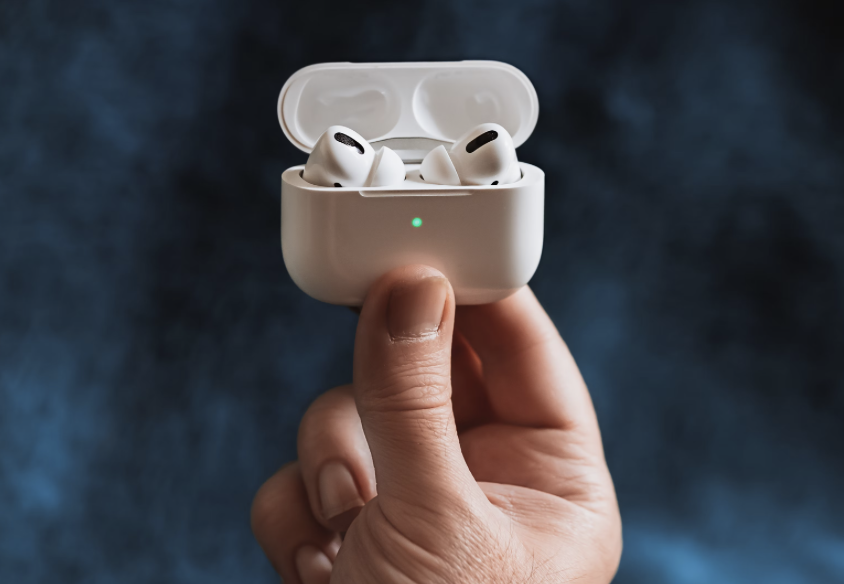
In 2025, the iconic AirPods turn 9 years old. Over this time, they’ve become an essential part of the Apple ecosystem and completely reshaped how we think about wireless sound. And behind their minimalist design lies a whole set of smart tricks that make them even more useful. Here are the top 8 hidden AirPods features you might not know about.
- Share music or movies with friends
Traveling or waiting in line with a friend? Listen to music or watch a movie together! With the Audio Sharing feature, you can connect two pairs of headphones to your iPhone or iPad at once. The sound from your device will play on both simultaneously. Both you and your friend can control the volume independently.
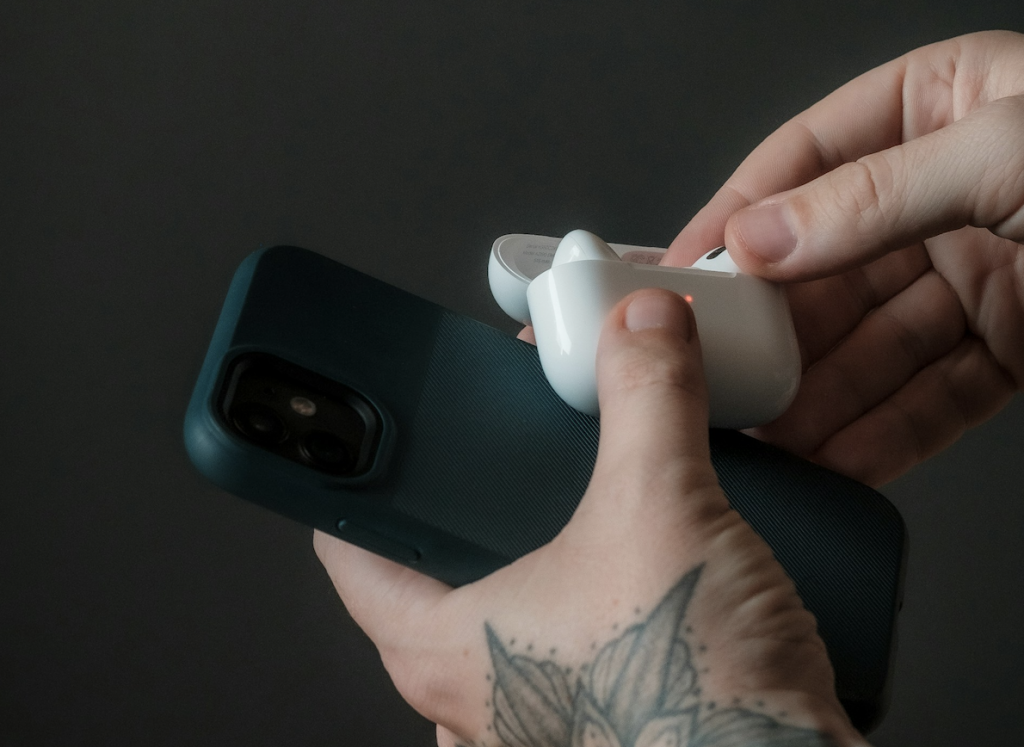
How to do it: Connect your AirPods or Beats to iPhone/iPad, then tap the AirPlay icon and choose Share Audio. Hold your friend’s open case near your device and follow the on-screen instructions to pair.

- Lower volume automatically when you speak
AirPods can react to your needs. When you start talking, the playback volume automatically decreases, then returns to normal when you’re done. Convenient for those moments when someone suddenly asks you something—no need to remove your earbuds or shout over the music.
How to enable: On iPhone, go to AirPods settings and turn on Conversation Awareness. While there, you can also set up Personalized Volume, which adapts playback to your environment. Available on AirPods Pro 2 and AirPods 4 (with ANC).
- Hear what’s happening behind doors—or across the room
With Live Listen, your iPhone works as a microphone, boosting sound and streaming it directly to your AirPods. Handy for hearing conversations in another room, following a lecture from the back row, or even using your iPhone as a baby monitor.
How to use: Works with AirPods 2, 3, 4, Pro (1st & 2nd gen), Pro Max, or Beats headphones. Add Live Listen to Control Center (Settings > Control Center > Add Control). Then, with AirPods on, open Control Center, tap the mic icon, adjust volume, and place your iPhone near the speaker.
- Let Siri read your messages aloud
Perfect when you’re driving, your hands are busy, or your phone’s buried in your bag. Siri can read incoming messages straight through your AirPods.
How to enable: With AirPods in, go to Settings > Notifications > Announce Notifications and switch it on.
- Listen to music on AirPods without iPhone
Heading to the gym? Leave your iPhone at home and stream music directly from Apple Watch.
How it works: First, download tracks on your iPhone, then sync them to your watch via the Watch app (My Watch > Music > Add Music). AirPods previously paired with your iPhone will automatically connect to your watch. To connect manually, open Control Center on the watch, tap AirPlay, and select your AirPods.

- Use one AirPod as a headset
Normally, AirPods play stereo sound across two channels. If you use just one, some audio may be lost. To fix this, activate Mono Audio so both AirPods play the same sound.
How to enable: Go to Settings > Accessibility > Audio/Visual and switch on Mono Audio.
- Answer calls with a head gesture
Owners of AirPods 4 and AirPods Pro 2 can manage calls with head movements. Nod to accept, or shake your head to decline.
How to set it up: With AirPods on, open their settings on iPhone, scroll to Head Gestures, and activate.
- Check your hearing with AirPods Pro 2
Who would’ve thought a decade ago that everyday headphones could test your hearing—or even serve as hearing aids? Thanks to the H2 chip, AirPods Pro 2 can do just that.
How to test: Choose the right ear tips, put your AirPods on, and find a quiet space. Then go to Settings > AirPods > Hearing Test and follow instructions. Results appear in the Health app, with Apple’s full guide available online.
Bonus: AirPods as a stylish keychain
AirPods Pro 2 have a built-in lanyard loop, letting you attach them like a keychain accessory. For other models, just grab a case with a sturdy carabiner.
Now you know the smartest hidden AirPods features—some might make your life easier, others might just make you smile. Want to try them out? You can test different AirPods models at iSpace, where you’ll also find a wide selection of accessories.
Read more
Top AirPods of 2025: Which model should you choose?
Love sports? Top Apple gadgets for workouts
Top 5 iPhone Accessories You Can’t Do Without in 2025
Always be aware!
Subscribe to the newsletter and be the first to know about new promotions and special offers