Choosing a laptop for professional tasks is an important decision. With the release of the M5 chip series, users in Georgia are asking a logical question: is it worth upgrading to the newest version, or is last year’s model still enough for work?
In this overview, we compare the MacBook Pro M5 and MacBook Pro M4 to help you make a well-informed purchase decision.
MacBook Pro M5 and MacBook Pro M4: What They Have in Common
Apple keeps continuity in its premium features. Both laptops come with 14.2-inch Liquid Retina XDR displays with:
- mini-LED backlighting;
- ProMotion technology support (120 Hz);
- peak brightness up to 1,000 nits in XDR and up to 1,600 nits in HDR.
A unibody aluminum chassis, a six-speaker sound system with Spatial Audio, and a full set of ports (HDMI, an SDXC card slot, MagSafe 3, and Thunderbolt) make both devices ideal workstations for professional use.
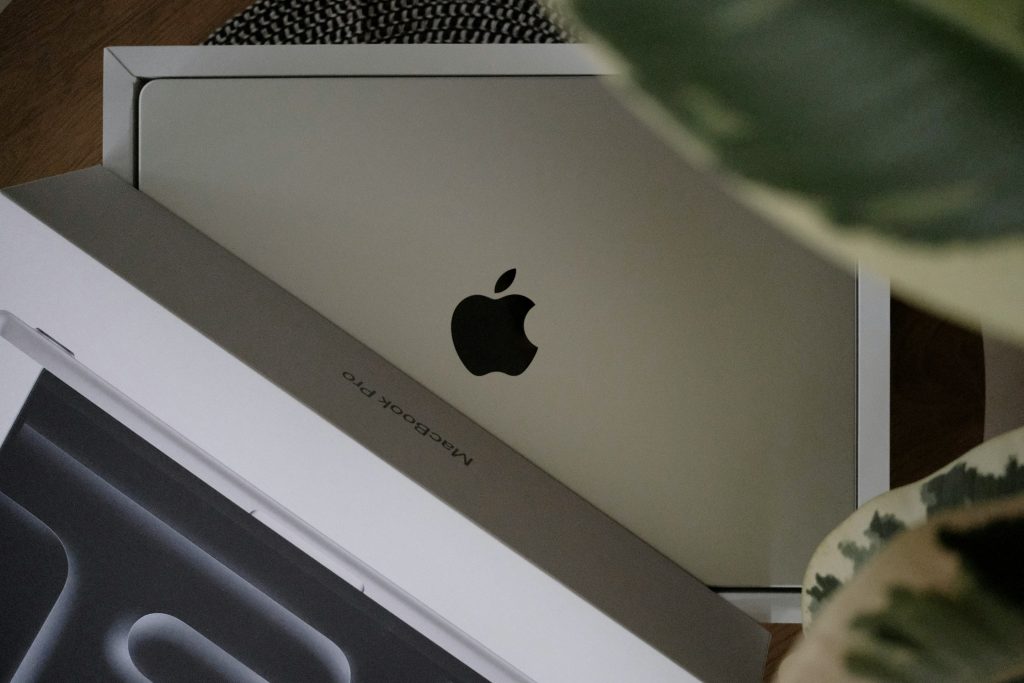
Processor: What’s New in the Apple M5
If you look at the architecture of recent-generation laptops, the differences come down to the heart of the device. The Apple M5 chip is the result of a shift to an improved process technology.
The M4 remains a powerful and versatile solution. At the same time, the M5 processor is designed with a focus on multi-threaded performance. The new chip also features an upgraded Neural Engine that processes Apple Intelligence machine-learning algorithms several times faster.
Memory: Key Differences
Both versions use the Unified Memory architecture, with configurations available in 16, 24, and 32 GB. The MacBook Pro M4 offers excellent memory bandwidth (120 GB/s), which is enough for 4K video editing and working with heavy design files. The MacBook Pro M5 moves to a new speed standard. Memory bandwidth is increased to 150 GB/s, allowing the CPU and GPU to exchange data instantly. The difference is especially noticeable when loading large language models or rendering complex 3D scenes.
Are There Differences in Everyday Work?
Raw benchmark numbers don’t always reflect the real user experience. When comparing real-world workflows, you can notice meaningful improvements in the latest generation.
Graphics and Video Editing: Differences
The GPU in the M5 chip received neural accelerators in every core. This delivers a tangible boost (about 1.6×) in apps like Blender or Maya. For videographers, for example, this means the laptop exports projects faster and plays back multiple high-resolution video streams more smoothly.
Power Efficiency and Battery Life
Apple consistently focuses on battery life. Both versions can run for up to 24 hours in video playback mode.
AI Use and Creative Workloads
Today, artificial intelligence is deeply integrated into macOS. Thanks to the Neural Engine, the chipset handles generative AI tasks instantly. The difference in response speed for voice assistants and smart system features becomes obvious in a direct comparison.
Unchanged Laptop Design
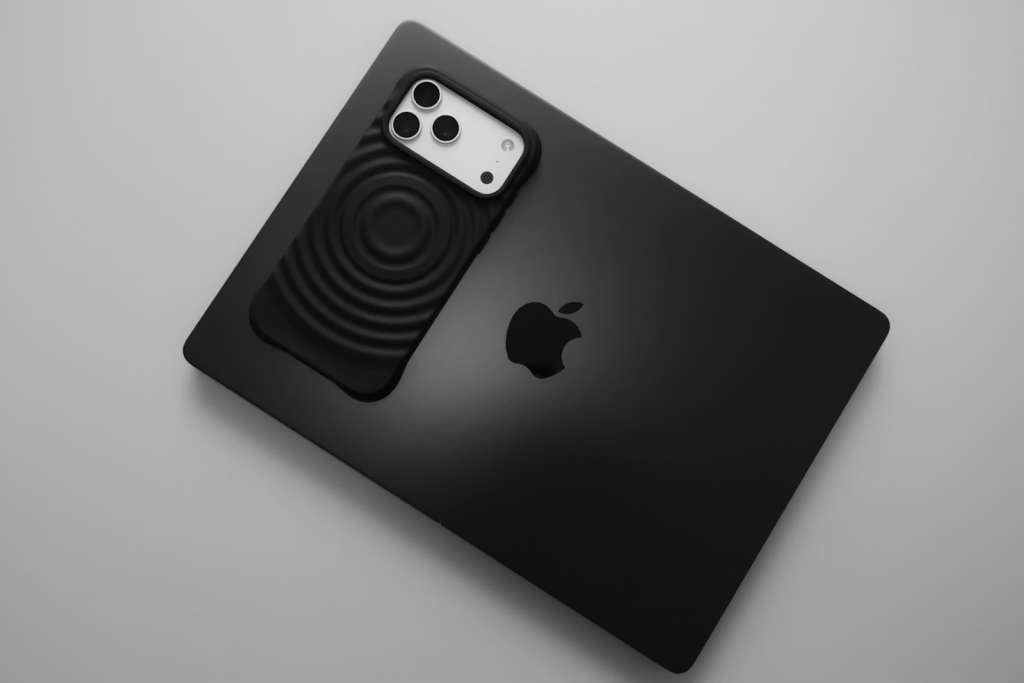
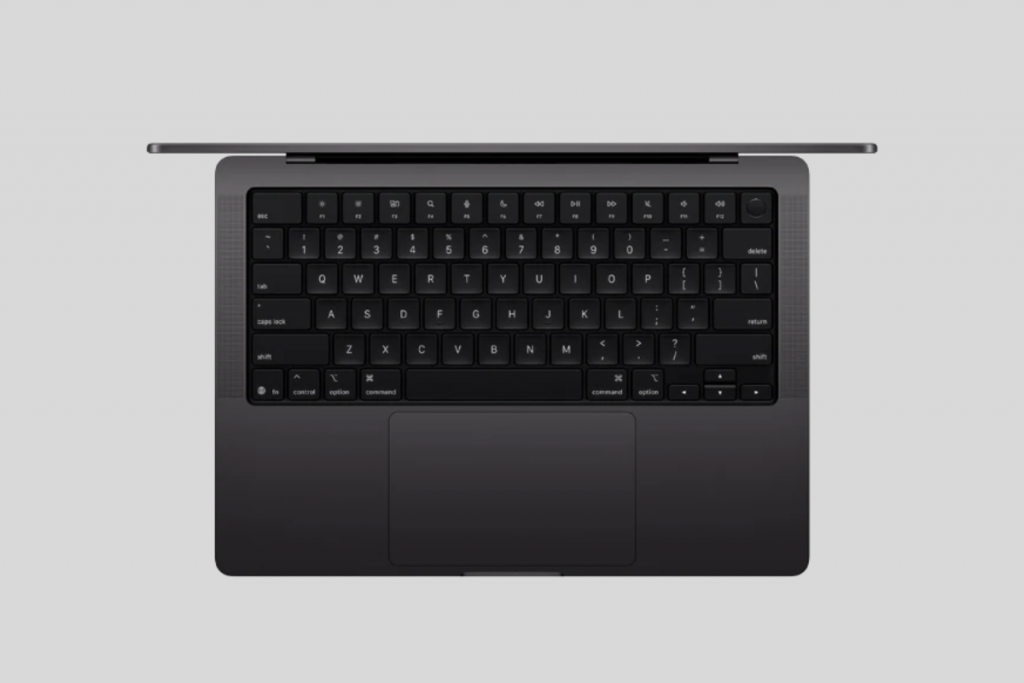
Visually, there are no differences between the two latest versions. The chassis shape, Magic Keyboard ergonomics, the large and responsive trackpad, and the restrained finishes (Silver and Space Black) all remain the same.
When to choose MacBook Pro M5 vs MacBook Pro M4
Both versions are still relevant and can handle complex, resource-intensive tasks.
| Specification | MacBook Pro M4 | MacBook Pro M5 |
| Bandwidth | 120 GB/s | 150 GB/s |
| GPU acceleration | — | Neural Accelerator |
| SSD | 512 GB, 1–2 TB | 512 GB, 1–4 TB |
The new model is worth considering for true tech enthusiasts who always want the latest advances. Choosing the MacBook Pro M5 makes sense if you need maximum on-device speed for running local neural networks.
The M4 still outperforms most competitors on the market. It easily suits design, business analytics, engineering projects, coding, and AI use. However, the speed of certain tasks is lower by comparison. In any case, for many users the MacBook Pro remains a benchmark for reliability and performance, fitting naturally into the brand ecosystem.
PRODUCT CARD
The best approach is to test both versions in person and then decide. For that, you can visit iSpace physical stores in Tbilisi and Batumi. As an Apple Premium Partner in Georgia, the company offers official devices with a manufacturer’s warranty.
iSpace experts can help you choose the right configuration and generation for your tasks. The consultation is available both in person and online. And to make the purchase even more cost-effective, you can use Trade In or an installment plan.
FAQ
How does the MacBook Pro M5 differ from the M4?
The main difference is the M5’s architectural improvements, focused on AI workloads and complex graphics.
How much faster is the M5 than the M4?
In graphics tasks, the new chip performs about 1.6× faster, and for AI requests — up to 3.5× faster.
Is the difference noticeable in everyday work?
The difference is most noticeable when working with graphics projects and AI-related tasks.
Are there any changes in construction or design?
No. Visually, the devices look similar, and all the changes are inside the chassis.
Check out more
How To Choose A MacBook In 2026: A Guide
Why It Is Worth Buying A MacBook Air In 2026 — 7 Key Benefits
Why It Is Worth Moving Your Company To Mac In 2026: MacBook Benefits For B2B
Always be aware!
Subscribe to the newsletter and be the first to know about new promotions and special offers