The Apple tablet laptop is a powerful device that no longer feels like a middle option between an iPhone and a MacBook, as it used to. The company is improving the computing capabilities, power, and performance of tablets to make them a compact alternative to a laptop. If you’re wondering if you could use an iPad as a laptop, the answer is simple — yes, you can. Now let’s talk about how to do it.
Can iPad Pro Be Used as a Laptop, and Who Needs It?
The tablet is suitable for those who appreciate compact and mobile gadgets. For example, it is used by SMM managers, students, digital artists, entrepreneurs — anyone who works on the go. The display of the iPad doesn’t limit your work. For example, the largest tablet Apple has today is 13 inches. That’s just 0.3 inches smaller than the MacBook Air.
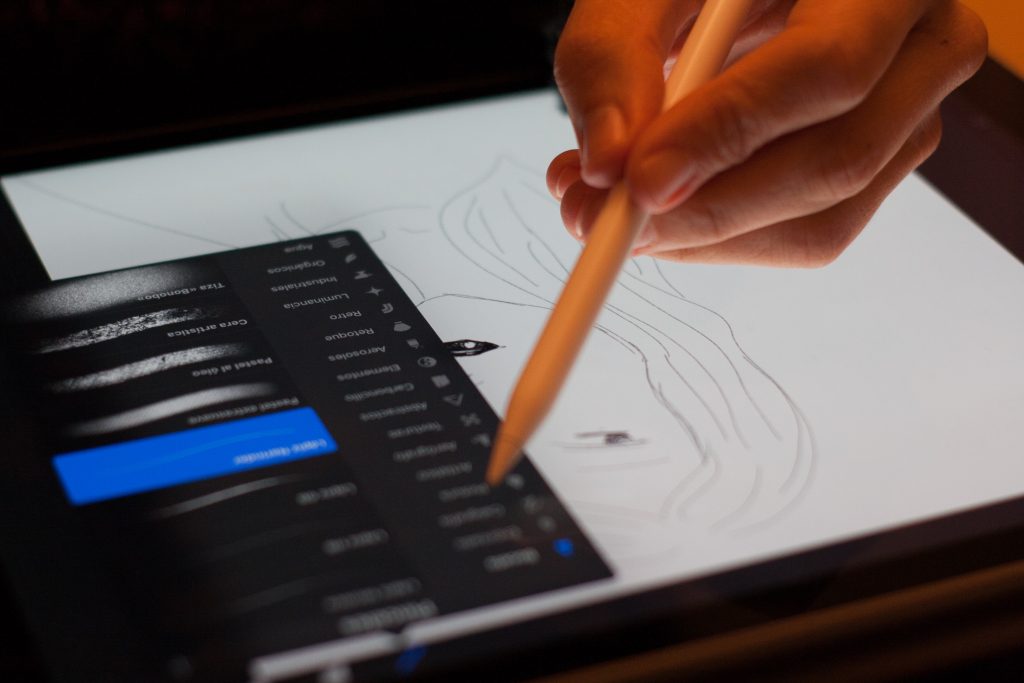
The advantages of the tablet are the touchscreen and the built-in camera. You can create content and process it right away, skipping the need to work on different devices and upload everything to the cloud.
But sometimes you can’t use an iPad instead of a laptop. This is true in situations where you have to work with specific software: complex accounting programs, architectural projects, Blender, and Godot. Not all highly specialized software is available for a tablet, and if it is, its functionality is usually limited. By the way, some graphs, sheets, and databases are easier to process on a laptop.
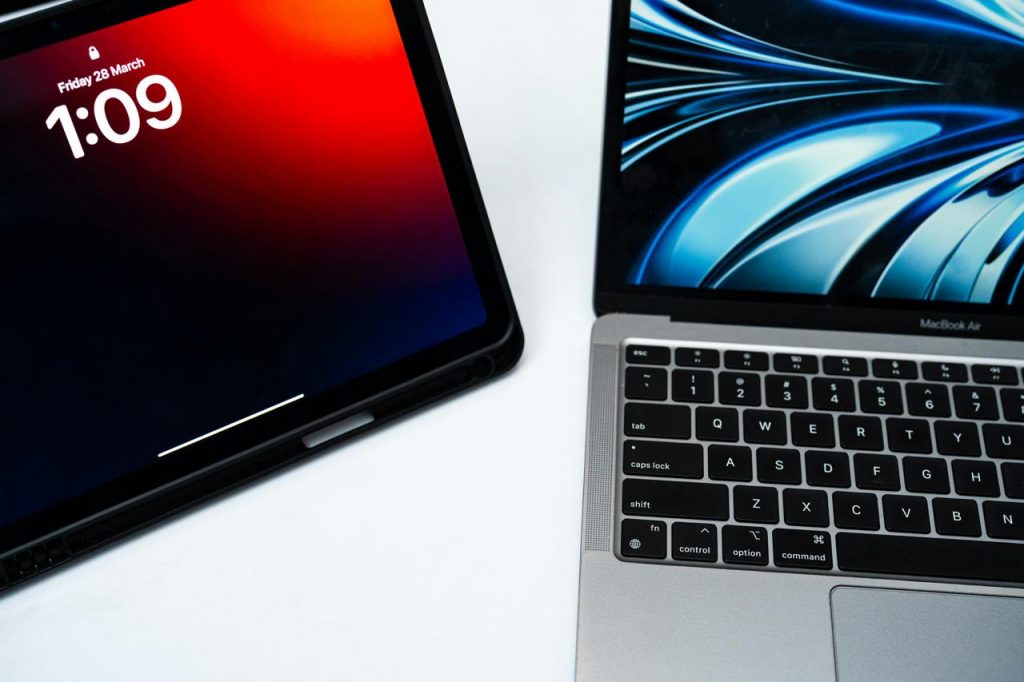
What to Customize on a Tablet to Make an iPad Work as a Laptop Replacement?
Personalize your Apple iPad tablet computer to make your work tasks more convenient. Here are a few tricks that will automate and simplify routine processes:
- Gestures and hotkeys — make control easier. Add motions to your trackpad or mouse to quickly go to Slide Over and switch between apps in one click.
- Quick Commands — automate routines. Track what you do more often and link those actions to shortcuts. For example, you can turn on VPN or switch to office mode with a single tap on an icon.
- Multitasking Modes — organize your work area. Split View, Slide Over, and Stage Manager handle the workspace by dividing it up.
Gestures are also available on the trackpad and mouse — Apple’s guides collect all available accessory actions. Analyze your work and introduce those tricks that will help speed it up.
Turn iPad into a Laptop with Accessories
iPad Pro will perform like a laptop when you choose the right accessories. For example, a wireless keyboard visually transforms the tablet into a laptop. Apple has two main series: Smart and Magic, which can also serve as a special holder for the display and, in the packed form, work as a case.
Other important accessories:
- stylus — necessary for painting, taking notes, and editing documents, especially when dealing with small elements;
- mouse — suitable for prolonged work when writing code, processing tables and graphs;
- trackpad — controls the cursor, responds to swipes and pressure, useful for on-the-go operation;
- USB-C hub — connects equipment that does not match the slots of the tablet.
It is not always necessary to buy all accessories at once. For example, Apple Pencil will be more suitable for content creators, illustrators, tattoo artists, and those who take hand-written notes in Notion or Freeform.

Synchronizing an iPad with a Laptop
People who use an iPad for work often use it as a graphics tablet or as a second monitor for a laptop. By connecting an additional screen, you can maximize your workspace and divide tasks. For example, on a laptop, you render, and on the tablet display, you work on correspondence, technical specifications, or references. This approach is convenient for those who work with graphics, video, code, and sheets.
The idea of how to connect an iPad to a computer is quite simple — it is enough to install the necessary software. If you work on a MacBook, you can use the Sidecar application. For Windows-based laptops, there is a separate program — Spacedesk.
Summarizing the Results
It is possible to turn a tablet into a portable computer. You only need to adjust the settings a little and automate the processes (it will take about an hour) and select the right accessories. Among all Apple products, the iPad Pro with M3 and M4 chips is commonly chosen for this task. They can cope with 3D modeling, programming, and other “heavy” tasks. For documents, presentations, and work with graphics, the iPad Air with the M2 chip and above, and the iPad A16 are also suitable.
You can buy an iPad, a laptop, and accessories for them in the iSpace store chain in Georgia. Place your order online or come to the nearest physical store to test the gadgets — all the equipment is available to the public. No matter which way you choose, you can always consult with iSpace managers. They can help you find the right device for your requirements and budget.
More on the topic
iPad Mini 7 or iPad Air 6: Which Tablet to Choose?
How to turn your iPad into a full-fledged laptop: best accessories and settings
Always be aware!
Subscribe to the newsletter and be the first to know about new promotions and special offers