With the release of the updated iPads, users are once again faced with a choice: compact or all-purpose, mobile or spacious for multitasking? In 2025, the comparison of iPad Mini vs iPad Air in the seventh and sixth generations, accordingly, is still relevant. So, what tablet to choose and how not to make a mistake in selecting a gadget for your tasks — let’s see below.
What’s Special About iPad Mini 7?
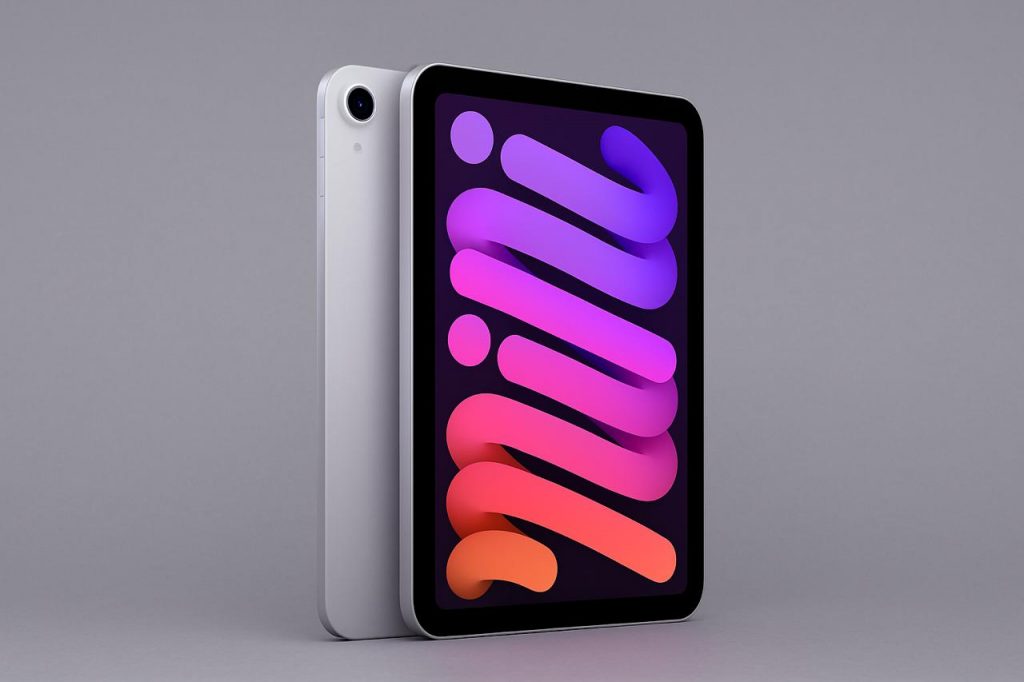
The new tablet version of the Apple iPad Mini 7 has the same design as its predecessors. The manufacturer created a miniature flagship that is easy to fit in the palm. Thanks to the small diagonal, you can hold the tablet with one hand. And at its 297 g weight, it almost does not feel in a backpack, but on the go, it handles basic tasks.
The A17 Pro chip has been added to this model — those who have used the iPhone 15 Pro are already familiar with it. Thanks to the updated processor, the device is faster by about a third, if compared with the previous generation of 2021. Especially noticeable is the increase in graphics: rendering is accelerated by 25%, which will be appreciated by those who work with visual content or like games.
Other technical details:
- high pixel density allows small details to retain clarity;
- brightness up to 500 nits and True Tone technology provides comfort even in the sun;
- anti-reflective coating helps to use the device with comfort on a sunny day.
Despite the technical power, the screen size sets limitations. For full-fledged work in complex graphic applications or detailed illustration, you should still pay attention to models with a larger diagonal.
Main Characteristics of iPad Air 6
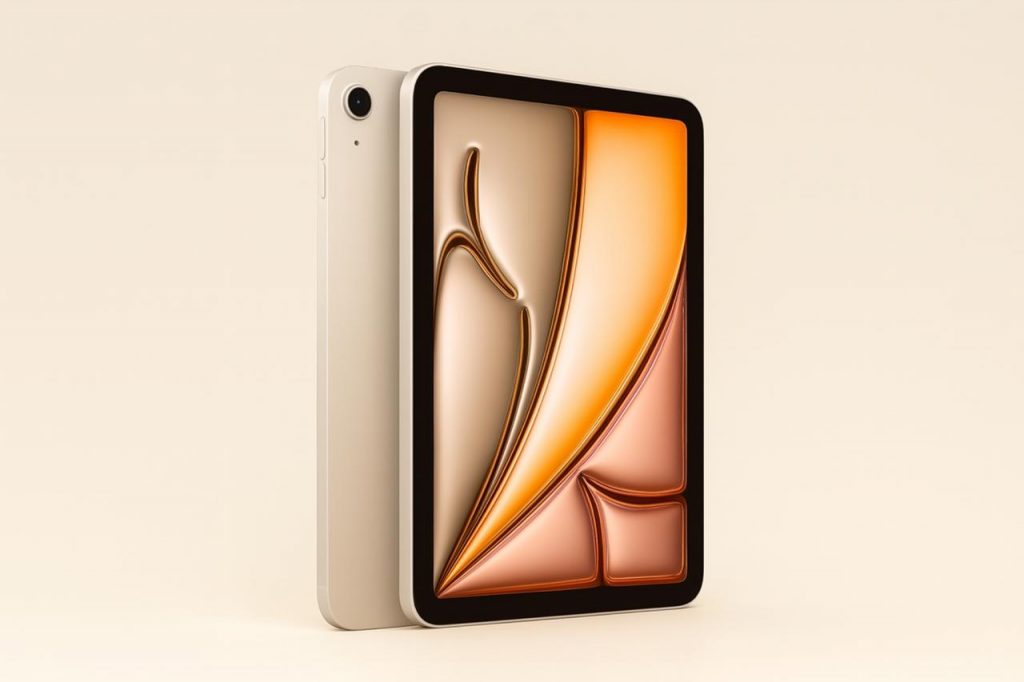
The sixth-generation iPad Air is no longer just a “light” tablet but almost a complete workstation. In 2024, the model received the M2 chip and two versions in size: iPad Air 11″ and iPad Air 13″. Compared to the previous generation on M1, the performance has grown appreciably:
- total power increase — about 15%;
- graphics is processed 25% faster;
- neuroprocessor became 40% more efficient.
Such hardware is enough not only for multitasking, but also for serious challenges like 3D modeling, video editing, and illustrations. An additional advantage is the Liquid Retina screen with brightness up to 600 nits (in the 11-inch version — up to 500 nits). It makes the display intense, and work — comfortable even in bright light.
Comparing iPad Series: Which One to Choose by Specifications
Before deciding which iPad to pick in 2025, go through the main technical characteristics and parameters of the devices. We have collected the most important ones in the table.
| Feature | iPad Air 11″ (M2) | iPad Air 13″ (M2) | iPad mini 7 |
| Screen diagonal | 11 inches | 13 inches | 8.3 inches |
| Display type | Liquid Retina, 246 ppi | Liquid Retina, 246 ppi | Liquid Retina, 326 ppi |
| Brightness (SDR) | up to 500 nits | up to 600 nits | up to 500 nits |
| Processor | Apple M2 (8 CPU cores, 9 GPU) | Apple M2 (8-core CPU, 9 GPU) | A17 Pro (6 CPU cores, 5 GPUs) |
| Pencil compatibility | 2nd generation Pencil | 2nd Generation Pencil, Pro | 2nd Generation Pencil, Pro |
| Dimensions, mm | 178,5×247,6×6,1 | 214,9×280,6×6,1 | 134,8×195,4×6,3 |
| Weight | 462 g | 618 g | 297 g |
Other options are similar to each other. For example, all three devices have enough battery capacity to run for 9-10 hours at a time.
Looking for an iPad for Drawing: Which One to Select
If you’re an artist, illustrator, or just like to take notes and sketches by hand, there are two important factors to keep in mind: screen size and Apple Pencil support. All three models — iPad Mini 7, Air 11, and Air 13 — support second-generation styluses, including Apple Pencil Pro.
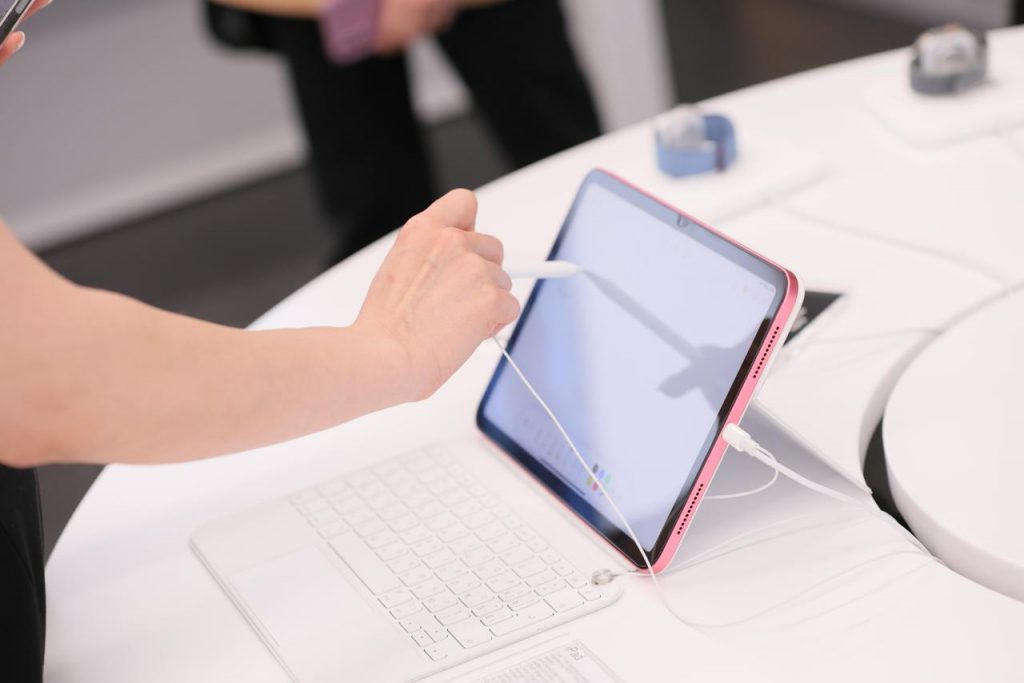
iPad Mini 7 is perfect for those who draw on the go: it’s compact, and its quick response to the stylus makes it ideal for sketching and doodling. The iPad Air 11 gives you plenty of screen space with different tools, but it stays light. The Air 13, on the other hand, is a studio in a tablet that’s suitable for professional graphics work.
Which iPad to Buy for Work
If you select a tablet as a substitute for a laptop and preferably work with tables and texts, it is worth focusing on the operating conditions. iPad Mini 7 will be excellent if you’re always moving around, and you can connect a Bluetooth keyboard if necessary.
The iPad Air 11’s screen is sufficient to work with text documents, spreadsheets, and videos. At the same time, iPad Air 13 is often bought by those who do not want to spend money on a MacBook: a large screen, powerful chip, keyboard, and support for artificial intelligence allow you to work properly.
Conclusions: Which iPad to Pick for Drawing and Working?
To find the perfect tablet, start with the most important thing — how and where you plan to use it. The miniature version is good for quick tasks on the go. And universal gadgets called Air series — they can replace a laptop while traveling.
You can buy new iPads at iSpace — the official Apple store in Georgia. The website always shows what devices are in stock, and if you still have questions, our managers will help you choose a tablet for specific tasks. Follow the releases and choose the technology that fits your needs.
More on the topic
Devialet Audio Systems: Love at First Note
How to turn your iPad into a full-fledged laptop: best accessories and settings
Apple’s Summer Presentation: Highlights from WWDC 2025
Always be aware!
Subscribe to the newsletter and be the first to know about new promotions and special offers