Working with graphics and video requires a truly powerful device. Your computer must be able to handle multitasking, confidently process complex visual projects, and reproduce colors as accurately as possible. Apple offers several lines of laptops and all-in-one computers designed specifically for these needs. We have compiled a list of several current models so that you can decide for yourself which device will be named the “best Mac for video editing and graphics processing” in 2025.
Why Choose a Mac for Graphics and Video?
One of the key factors that has made Apple technology popular among creative professionals is its chip architecture. All components — the processor, graphics module, and neural engine — are developed in-house and work together as a single unit. This approach speeds up rendering and makes working with 3D graphics much easier. Another important point:
- Shared memory — the central and graphics processors, together with the Neural Engine, use a single RAM. This ensures high performance and eliminates errors when multitasking.
- Next-generation displays — brightness, color tone, and refresh rate adjust to the surrounding conditions, and color reproduction is as close to reality as possible.
- Unified ecosystem — AirDrop allows you to quickly exchange files, iCloud provides access to projects from anywhere, and additional modes help you connect multiple screens and comfortably distribute work windows.
The operating system is optimized for professional software. Final Cut Pro, DaVinci Resolve, Adobe Illustrator, and other programs do not freeze, even when you load them to the max.
The Best iMac or MacBook for Editing and Graphics
Apple offers a wide range of devices, from lightweight laptops to desktop systems. If you wish, you can build your own workstation: the company produces not only computers, but also professional displays with different screen sizes and coating options.
MacBook Air M4
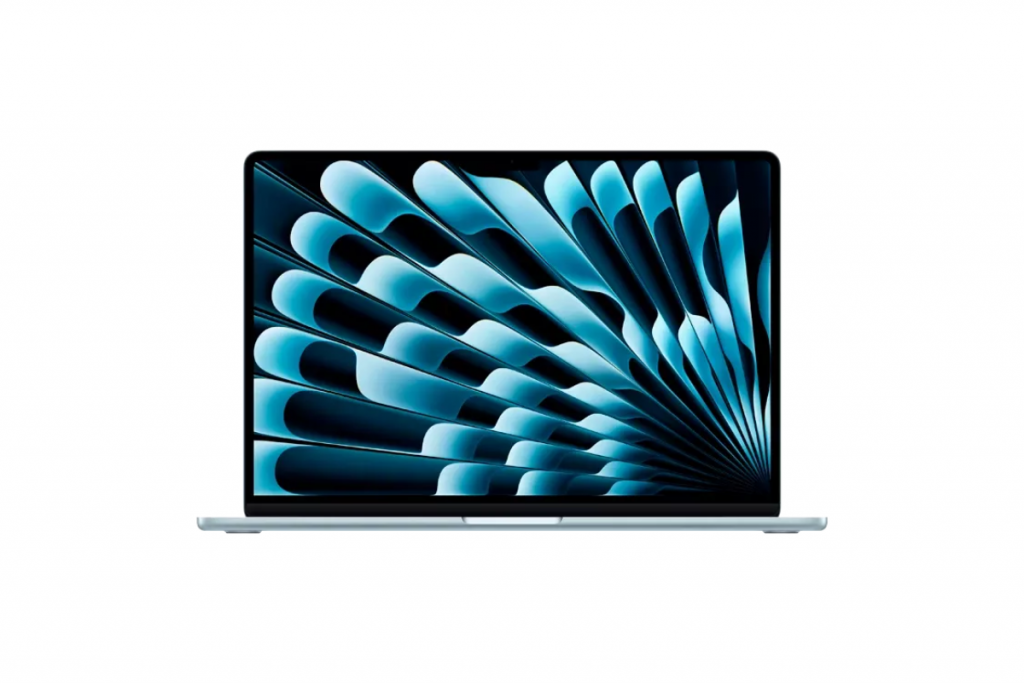
The lightweight MacBook Air M4 is more than enough for everyday tasks, short videos, and image editing. It is a compact laptop with decent power reserves. With a diagonal of 15.3 inches, the device weighs only 1.51 kg, making it convenient to take with you. Key specifications:
- CPU — 10 cores, GPU — 10 cores;
- unified memory — from 16 to 32 GB;
- SSD drive — up to 2 TB;
- battery life — up to 18 hours.
The laptop supports Apple Intelligence. Artificial intelligence helps with routine tasks: it cuts out objects in images, summarizes long texts, or edits materials according to instructions. This Mac is ideal for creating and editing content, working with texts, and basic video post-processing. It’s just what UGC creators and SMM specialists need.
MacBook Pro M4 Pro
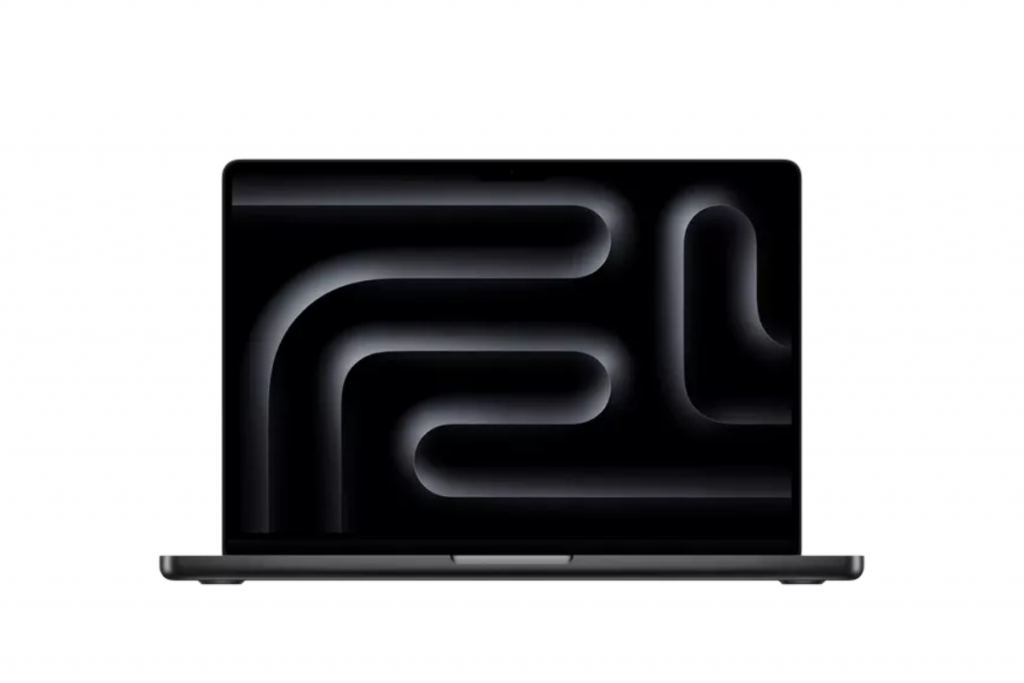
When tasks go beyond simple editing and require serious power, the MacBook Pro M4 Pro is the optimal solution. It combines portability with performance close to that of desktop systems. Technical capabilities:
- CPU with up to 12 cores and GPU with up to 16 cores;
- unified memory — up to 24 GB;
- SSD storage — from 512 GB to 4 TB;
- battery life — up to 22 hours of operation.
This set of parameters ensures fast processing of heavy videos, smooth rendering of 3D projects, and stable operation of resource-intensive applications. For those who need even more, there is a version based on the M4 Max: here, the SSD can be increased to 8 TB, and the maximum amount of unified memory reaches an impressive 128 GB.
iMac 24″ M3

If portability is not one of your priorities, the 24″ M3 iMac is a good alternative. The all-in-one computer takes up minimal space on your desk and fits equally well in a home studio or office space. The model is available in two configurations: with two or four ports. Detailed specifications are provided in the table below.
| iMac M3 (2 ports) | iMac M3 (4 ports) | |
| Display | Retina 4.5K | Retina 4.5K |
| CPU | 8 cores | 8 cores |
| GPU | 8 cores | 10 cores |
| Unified memory | 8 GB, 16 GB, or 24 GB | 8 GB, 16 GB, or 24 GB |
| SSD storage | 256 GB, 512 GB, or 1 TB | 256 GB, 512 GB, 1 TB, or 2 TB |
| Ports | Two Thunderbolt / USB 4 ports, Gigabit Ethernet (configurable option) | Two Thunderbolt / USB 4 ports, two USB 3 ports, Gigabit Ethernet |
The iMac 24″ M3 screen works with the P3 gamut, supports brightness up to 500 nits, and features True Tone technology. You may want to consider the next generation — the iMac M4 has more performance reserves.
Conclusion: Which iMac or MacBook Should You Choose for Video Editing in 2025?
If your main task is video editing and content processing, you can buy a MacBook for graphics with an M4 chip. For everyday projects and SMM tasks, the capabilities of the MacBook Air M4 are sufficient, and for large projects, the MacBook Pro M4 Pro is sufficient. Among the stationary options, the iMac M3 would be a reasonable choice.
At iSpace, you can order Apple equipment with delivery throughout Georgia. Original products are available on the website, and there is a trade-in service. You can also visit our physical stores: all the latest devices are available for you to test and choose the one that suits you best.
Check out more
5 Essential Apple Gadgets for Studying in 2025
How to Turn an iPad into a Laptop: Changing Settings and Finding the Best Accessories
How to Use a MacBook: Path from Setup to Customization
Always be aware!
Subscribe to the newsletter and be the first to know about new promotions and special offers