In the United States and Europe, an unusual trend is emerging: startups, developers, and entrepreneurs are choosing Apple devices for working with neural networks, clearing gadgets from store shelves. A Mac mini for AI is better suited than the rest — it is an ideal home server. Autonomous agents are launched on it to analyze documents, manage programs, and perform other tasks.
Why Has Mac mini Become a Base for AI Use Cases at All?
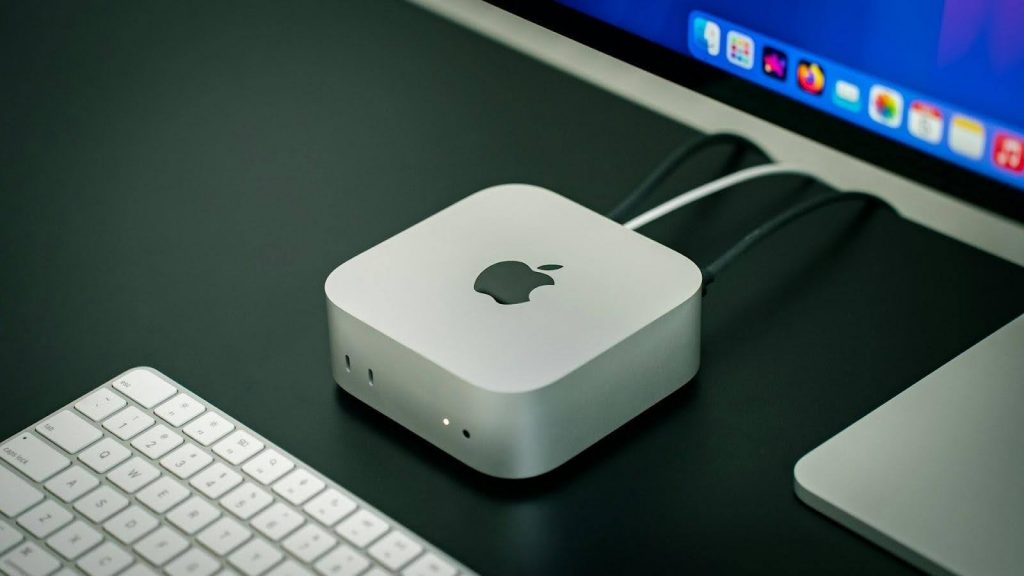
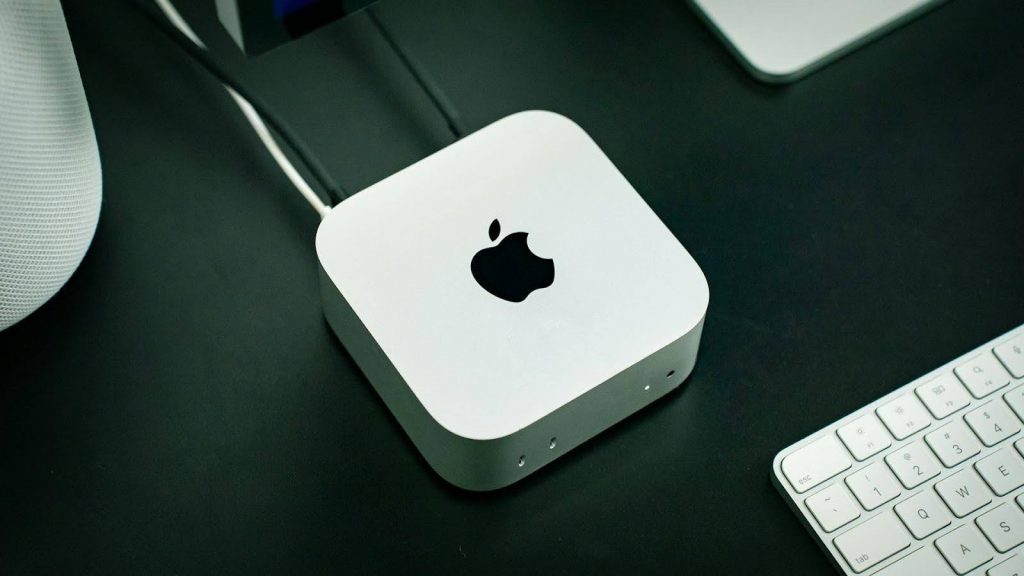
Apple Silicon architecture and unified memory ensure efficient work with neural networks. The chip uses a single memory pool, which gives neural networks instant access to information — this speeds up ML computing.
A computer with the M4 chip runs silently and consumes only 10–15 W under standard load. You can keep the device turned on around the clock without noticeable electricity costs.
What Tasks Is an AI Mac Best Suited For?
Developers and startups run several processes in parallel to test and automate code. Small businesses implement agents for customer communication and warehouse accounting. Researchers process information locally while maintaining confidentiality, and freelancers automate routine tasks by entrusting AI with publications, documents, and correspondence. Tech-savvy users integrate bots with fitness trackers and security systems.
Developer Khairallah Al-Awadi purchased 12 computers to run bots in parallel. An AI Mac handles this perfectly: it is suitable for anyone who wants to optimize professional and everyday activities.
Local AI on Mac mini and in the Cloud — What Is the Difference?
Local AI is a model that you run on the device without a constant connection to a server. The information stays with you, the response is fast, but there are limits in terms of hardware resources.
Cloud AI works through the internet: it uses more powerful servers and is not limited by the device, but it depends on the connection and access to data, for example, ChatGPT, Claude, and Perplexity.
By implementing local AI, you get autonomy and privacy. The LLM runs constantly and, when needed, initiates actions on its own.
What Tools Are Most Often Used?
There are many AI options available on the Mac mini. The software setup includes:
- Ollama and LM Studio — tools for loading open models, such as Llama 3, Mistral, and DeepSeek, without the internet;
- MLX and MLX-LM — a framework for Apple Silicon that optimizes machine learning;
- Open WebUI — an intuitive graphical interface for managing models;
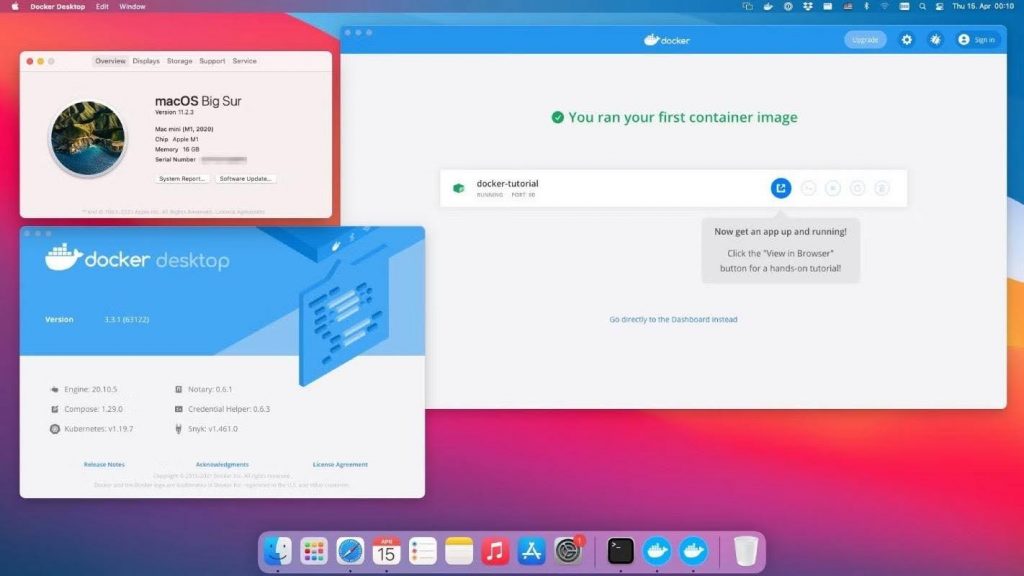
- Docker — a utility for running programs in isolated containers, which reliably protects the system;
- OpenClaw — an agent layer that works on top of these tools.
Each option has its own features and areas of application. And with Mac mini, interacting with AI services becomes even easier.
Perplexity Personal Computer: Why Is It Getting So Much Attention?
The Perplexity Personal Computer concept is gaining popularity. It describes the role of a PC as follows: the system analyzes the work context, uses language models, and offers solutions without an explicit request. Mac mini becomes an active participant in the workflow and turns into a local AI node that processes information, launches models, and supports agent operation.
OpenClaw (Formerly Clawdbot/Moltbot)
The OpenClaw agent, known as Clawdbot, runs directly on the computer and acts as a constant assistant. It instantly connects to Telegram, WhatsApp, or Discord and can interact with large language models, such as ChatGPT or Claude.
Clawdbot does not wait for a direct command. It remembers context, works with files, launches scripts in the terminal, and even integrates with a smart home.
Which Mac mini Configuration Should You Choose for AI?
For simple text models, basic versions with 16 GB of unified memory and the M4 chip are enough. For complex computing, heavy neural networks, and constant content generation, consider configurations with the M4 Pro processor and 32–64 GB of memory.
What Can You Actually Do on a Mac mini with AI Every Day?
Advanced users free up 2–4 hours a day by delegating routine tasks. AI takes care of sorting emails, reminds you about tasks, and manages the schedule. Content creator Alex Finn shared a case on X: after installing the agent, the system wrote scripts for YouTube, compiled a news digest, analyzed competitors, and built a project management system.
Step-by-Step Setup: From a “Clean Mac mini” to a Working AI Stack
Setup takes a few hours if you assemble the basic components right away. Then the system can be gradually expanded for specific tasks:
- Update macOS and install the basic dependencies: the Homebrew package manager, the Python language and environment, and the Git version control system.
- Deploy containers through Docker to isolate services.
- Install Ollama and download a local model. The internet is needed only for downloading.
- Connect data and organize a knowledge base, for example, in Obsidian.
- Set up the agent layer for task automation.
- Add remote access through Tailscale or Ngrok if needed.
These are not all the useful tools. Gatekeeper automatically blocks malicious software, while System Integrity Protection protects the kernel even in case of system errors.
Switching to AI is a strategic decision. If you are ready to automate routine tasks, the Mac mini will be a good assistant. You can order it in Georgia at iSpace, a store network with Apple Premium Partner status. We offer the current lineup of certified devices. Our experts are always ready to help you choose — online and offline.
Check out more
Mac Mini: What the Smallest Apple Computer Can Do
Multitasking in macOS: How to Split the Screen on a MacBook for Maximum Productivity
Migration from Mac to Mac: Data Transfer Rules
Always be aware!
Subscribe to the newsletter and be the first to know about new promotions and special offers