

Before buying a new laptop, users choose between two operating systems: Windows and macOS. The seven main reasons to choose a Mac over Windows are 16–22 hours of battery life, a convenient ecosystem, smooth system performance, accurate colour reproduction, comfortable controls, quiet operation, and high-quality sound.
If the question of what to choose, Windows or Mac, is still open, let’s look at it in more detail. iSpace experts will be happy to help you choose the best Apple laptop for your tasks, so visit our retail stores or get advice online.
MacBook or Windows: What Are the Main Differences?
Before comparing Windows and Mac, let’s note the key difference: Windows is an operating system, while Mac is a category of Apple devices. Apple gadgets run on the brand’s proprietary operating system, macOS. It receives regular updates and ensures security for many years. By the way, this autumn, the company will release the new macOS 27 with updated Siri AI. It will help reduce your routine workload and remember personal context to provide more precise answers.
Windows is an operating system from Microsoft. Its main difference is its open architecture, which is why devices from different brands run on it, from ASUS and Acer to Samsung and Lenovo.
Flagship devices on macOS and Windows can handle serious workloads: modern AAA games, 3D animation, and video rendering. For comparison, we chose two popular models.
| Feature | MacBook Pro 16 with M5 Max | ASUS ProArt P16 |
| Display | Liquid Retina XDR | ASUS Lumina OLED |
| Size | 16.2 inches | 16 inches |
| Refresh rate | 120 Hz | 60–120 Hz, depending on the configuration |
| Memory | Up to 128 GB unified memory | Up to 64 GB RAM |
| Graphics | 40-core GPU | Discrete NVIDIA GeForce RTX graphics card |
| Battery life | Up to 22 hours | Up to 12 hours |
Apple technology always means a well-designed ecosystem, consistently high performance, and excellent battery life. This is the foundation of Apple. The specifications of Windows laptops depend on the specific manufacturer and configuration.
7 Reasons to Choose a MacBook Instead of a Windows Laptop
The advantages of an Apple laptop are noticeable from the first launch: the device is ready to use immediately after being turned on, so you do not have to install the operating system, search for dozens of drivers, or configure them. Just sign in to your account and start working.
And this is not the only reason to choose a MacBook:
- Excellent battery life. You get a device that does not depend on power sockets for a long time, so you can work in a coworking space or on the road all day. Thanks to energy-efficient Apple Silicon chips and high-capacity batteries, the gadget works for up to 16–22 hours without recharging, depending on the model.
- Benchmark ecosystem. All Apple devices work as one: answer calls from your desktop, use the universal clipboard across devices, and turn your iPad into a second screen.
- Smooth system performance. You do not waste time waiting for even heavy files to load thanks to Apple Silicon with unified memory for the CPU and GPU.
- Accurate colour reproduction. The Liquid Retina XDR display is bright and sharp, while the adaptive refresh rate in the professional series makes the interface especially smooth. Your eyes do not get tired even after a full day of working with text and graphics.
- Comfortable controls. The high-precision trackpad with Force Touch swipe support can easily replace a mouse.
- Quiet operation. MacBook Air has no fans and does not overheat, while the Pro series has active cooling but also remains quiet. You can work even if someone is sleeping in the same room.
- High-quality sound. The device has a built-in system of 2–6 speakers. When watching content, you feel more immersed in what is happening, while the speech of people on video calls sounds clear.
Portability is another advantage. Apple devices are lightweight, so you can take them on the road, to the office, or to university. A 13-inch Air model weighs 1.24 kg, while a 16-inch Pro model weighs 2.15 kg. Thanks to the unibody metal enclosure, Mac is resistant to damage.
Who Should Choose an Apple Computer?
MacBook is chosen by people who value a high level of security, stable performance, and comfort. Mac is suitable for:
- Apple device owners, as they can unlock the laptop with Apple Watch and transfer files via AirDrop;
- developers and testers of macOS and iOS apps, as they can work in Xcode;
- visual content creators, as they can comfortably draw, retouch, and edit videos;
- office employees, students, and school pupils, as they can use apps for text, presentations, and spreadsheets;
- people who value mobility and battery life, as they can use the device all day without recharging.
The only right way to choose a laptop is to focus on your own tasks. In this sense, any MacBook is ideal for work, creativity, and leisure.
When Is It Better to Choose a Windows Laptop?
When deciding which is better, MacBook or Windows, the latter also deserves your attention. This kind of gadget is worth choosing if:
- customisation matters to you;
- you need programs that are available only for Windows;
- you want a gaming model;
- you plan to upgrade the hardware, such as replacing the storage drive or RAM;
- your budget does not allow you to buy a suitable MacBook model.
A Windows laptop is the choice of many gamers and engineers. You can install specialised software on it and replace components. By the way, you can also use Windows on Apple devices: if you have an Intel processor, use Boot Camp, and if you have a modern Apple Silicon chipset, use Parallels Desktop.
Which MacBook Should You Choose?
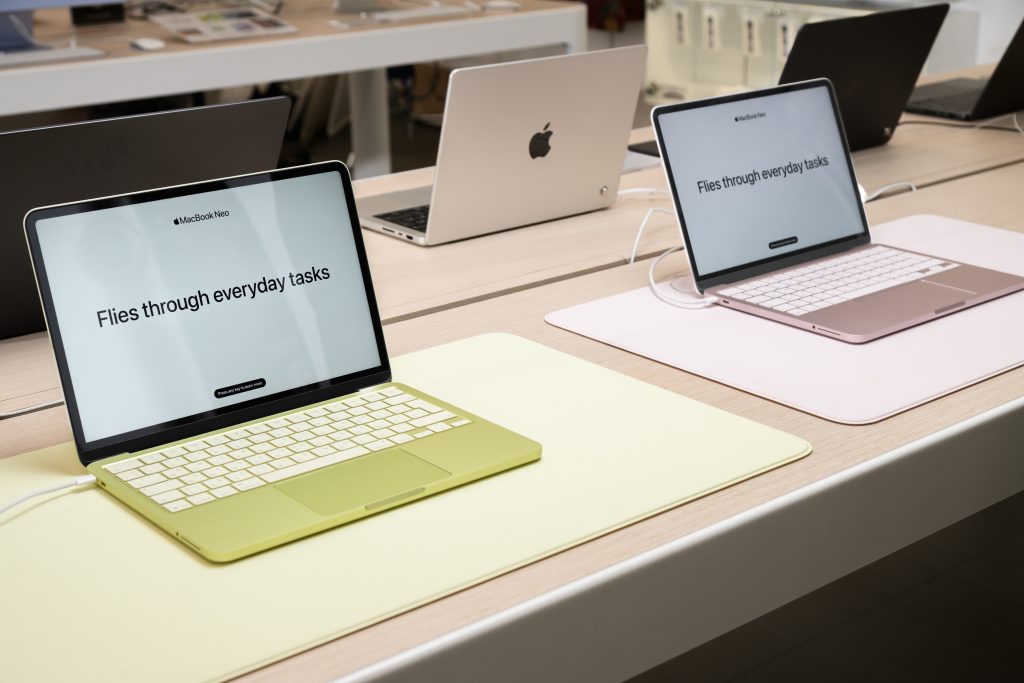
So, the main reason to choose an Apple computer is the high power and performance of all Apple devices. For everyday tasks, internet access, study, and work, you can buy MacBook Air. For resource-intensive tasks, such as development and video rendering, choose MacBook Pro. MacBook Neo, released in 2026, is perfectly suited for basic work, video calls, and watching content.
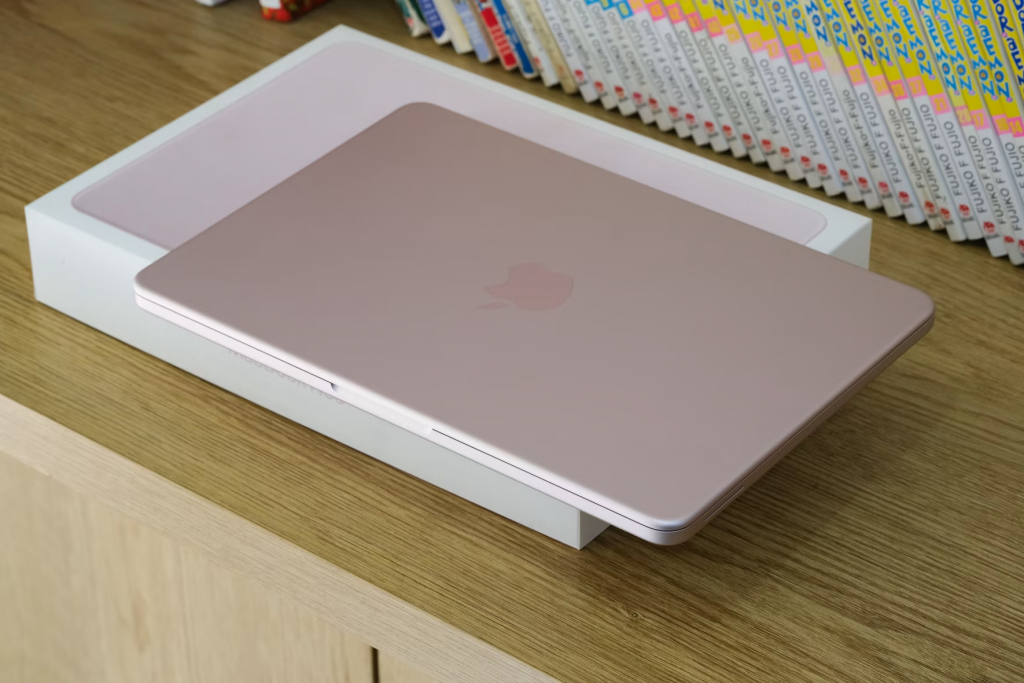
Before buying, go through the key specifications: display size, processor, unified and built-in memory capacity, and number of ports. You can test the devices in person, as all current models are available for hands-on use in iSpace stores in Georgia. If you need help, our experts are always available online and offline. They will help you choose a MacBook for your tasks.
FAQ
Why Is MacBook Better Than Windows?
The key advantage of Mac laptops is battery life. Colour reproduction and personal data security are also strong points. Apple laptops are also chosen by owners of other Apple devices, such as iPhone, AirPods, and others.
Why Switch from Windows to Mac?
High performance, long-term support with free updates, and comfortable use are the main reasons to choose a MacBook. The device runs reliable macOS, which is intuitive and simple.
What Is MacBook Suitable For?
Overall, MacBook is a universal device. You can study, create presentations, watch series, draw, and develop software on it.
Can You Open Word and Excel on Mac?
Yes. They can be downloaded from the App Store. The device also already has built-in Apple alternatives, Pages and Numbers.
Can You Use MacBook Without an iPhone?
Yes. An iPhone is not required for full use. However, with it, the device gains slightly broader capabilities: universal clipboard, AirDrop, media synchronisation, and call syncing.
Check out more
Migration from Mac to Mac: Data Transfer Rules
How to Fix a MacBook That Won’t Turn On: A Step-by-Step Guide
Always be aware!
Subscribe to the newsletter and be the first to know about new promotions and special offers