

Apple Creator Studio is a subscription to a package of professional apps designed for Mac and iPad. It includes six specialized programs for working with content:
- Final Cut Pro;
- Pixelmator Pro;
- Logic Pro;
- Compressor;
- MainStage;
- Motion.
In standard apps such as Pages, Numbers, Keynote, and Freeform, you can use premium AI features — this is also part of the subscription.
The subscription price depends on the plan and ranges from $2.99 to $12.99 per month. Simply download the package from the App Store to your device and confirm the subscription to start using it. A free trial period is available for the first month.
Next, we will look at which apps are available in the package, what the device requirements are, and how to sign up for the subscription easily.

What Is Apple Creator Studio?
Apple Creator Studio is a subscription to a collection of brand apps and services that help bring your creative ideas to life. The professional software package has been available in the App Store since January 28, 2026.
After subscribing, you get access to apps for working with music, video, and images that previously had to be paid for separately.
Who Is the Subscription Created For?
Apple Creator Studio is suitable for creative professionals who work within this brand’s ecosystem.
| Profession | What It Is Suitable For | Why It May Not Be Suitable | Alternative Programs |
| Video editor | A full post-production cycle | If you work with Windows-based programs | Adobe Premiere Pro |
| Graphic designers | Visual project planning, layout creation, and photo retouching | If you work with Windows-based programs | Adobe Photoshop, Figma |
| Music producer, sound engineer | Using a large number of plugins and samples | If you work with Windows-based programs | Ableton Live |
The subscription will be beneficial for students in creative fields. Apple has created a special offer for students and teachers.
How Is Apple Creator Studio Different from Separate Apps?
With the subscription, you get access to six apps, although previously each of them had to be purchased separately, and the total cost was higher. You can use the software on all devices connected to the same Apple ID. You can start editing a video on your iPad while on the road and continue on your MacBook at home.
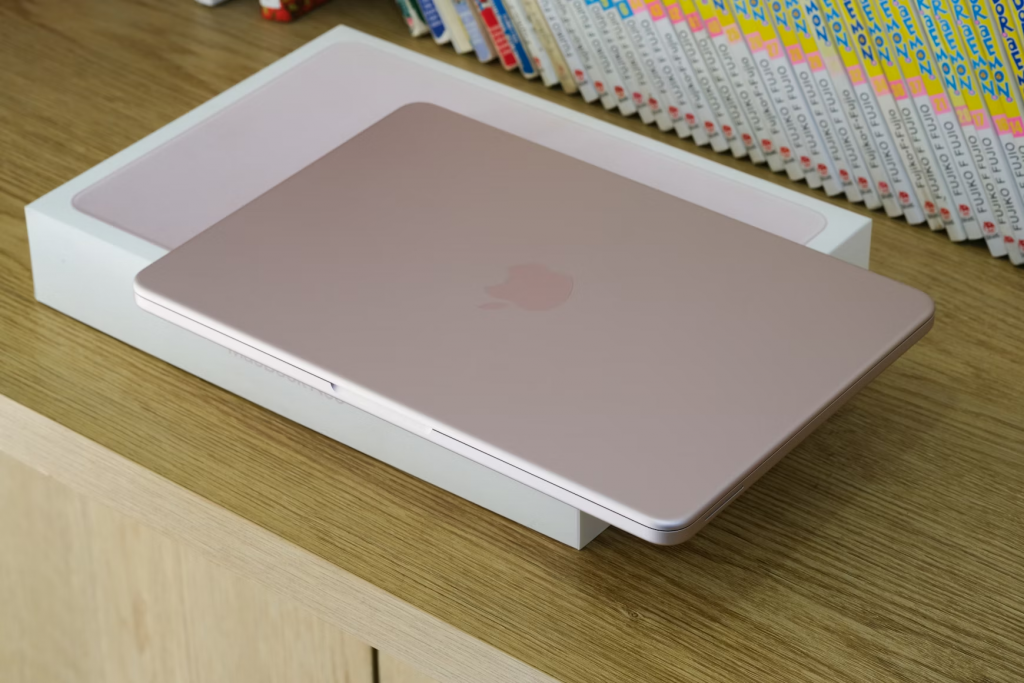
Another advantage is that AI features become available in standard apps.
What Is Included in Apple Creator Studio?
The subscription includes premium versions of programs for working with content. You can work with:
- graphics — Pixelmator Pro for retouching and design;
- video — Final Cut Pro for editing, Motion for animation and titles, and Compressor for file optimization;
- audio — Logic Pro for creating and mixing tracks, and MainStage for live performance use.
Please note: Motion, Compressor, and MainStage work only on macOS, while the other apps work on both macOS and iPadOS. Premium AI features in standard apps are available on all devices. Create images, slides, and smart notes in Keynote. Edit texts in Pages to match your style. Analyze and visualize data in Numbers. Generate high-quality visuals from sketches in Freeform.
Limitations and Requirements
All subscription features are available on a Mac or iPad with an M1 chip or newer. An Intel processor on a MacBook supports the apps, but AI features are not available for it. For Pixelmator Pro to work correctly, the OS must be updated to macOS 26 or iPadOS 26.
How Much Does Apple Creator Studio Cost?
The developers offer several subscription plans at once.
| Package | Monthly price, USD | Annual price, USD |
| Individual | 12.99 | 129 |
| Education | 2.99 | 29.99 |
The individual subscription can be shared with up to five family members for free. The education plan is available only to students and teachers. A trial period for new users lets you use all the benefits for free for one month.

How to Pay for Apple Creator Studio
To sign up for the subscription, you will need a Mac or iPad with your account.
- Download the package from the App Store.
- Open any app. Click “Continue” after the welcome window appears.
- Choose the plan you need and the free one-month trial.
- Confirm the purchase using your account password, Face ID, or Touch ID.
If any payment steps are unclear or you run into problems, contact iSpace experts — Apple Premium Partner in Georgia. By the way, in our physical stores in Tbilisi and Batumi, as well as in the online store, you can buy original brand tech. To make the purchase even more beneficial, use the Trade In program, credit, or installment plan.
FAQ
Which Is Better — Apple Creator Studio or Adobe?
Apple Creator Studio subscription is an ideal choice for creative professionals, such as bloggers, musicians, and graphic designers, who work within the Apple ecosystem. At the same time, it costs less compared to Adobe.
Does Apple Creator Studio Use AI?
AI features are available in all programs. For example, in Logic Pro, you can quickly find a similar loop, and in Numbers, you can set a function to fill cells automatically.
Is the Subscription Only for iPad?
The subscription is designed for iPad and Mac. Some apps and options are also available on iPhone.
What Happens to My Projects After I Cancel the Subscription?
Created projects will remain on the device or in iCloud. After renewing the payment, you can open and edit them again.
Check out more
How to Fix a MacBook That Won’t Turn On: A Step-by-Step Guide
Mac mini for AI: How to Turn a Compact Computer into a Local AI Center
Best Laptops for Studying in 2026: How to Find the Ideal Model
Always be aware!
Subscribe to the newsletter and be the first to know about new promotions and special offers